Pixelity Tech / Field note
Automation Versus Integration
Automation executes decisions inside a workflow. Integration moves data between systems. Confusing the two leads to duplicate records, brittle scripts, and tools nobody trusts.

Teams often say they need automation when the real problem is disconnected systems. They say they need integration when the real problem is an undefined workflow. The words sound interchangeable in vendor demos. In operations they describe different jobs.
Integration connects systems so data can flow with defined mappings, timing, and error handling.
Automation applies business rules inside a process: assignments, approvals, validations, notifications, and state transitions.
Both reduce manual work. They fail for different reasons when mixed up.
Why the distinction matters
When integration is treated as automation, organizations get pipes without process clarity. Customer records sync, but nobody knows who resolves conflicts. Invoice lines appear in two places, but status still lives in email.
When automation is treated as integration, organizations get scripts that copy fields without governing ownership. A workflow engine launches tasks, but each system remains the unofficial source for overlapping attributes. Reports still disagree.
The cost shows up as reconciliation work, duplicate identifiers, and teams that do not trust the “automated” path because exceptions are invisible.
A useful architecture assigns each concern a role:
| Concern | Primary tool |
|---|---|
| Same entity exists in two products | Integration with identity mapping |
| Who acts next and under what rule | Workflow automation |
| Authoritative value for a field | Source-of-truth ownership model |
| Ambiguous case needs judgment | Human review queue |
The connect business tools use case combines these layers deliberately rather than assuming one product solves all three.
Decision framework: five questions
Ask these questions before choosing an approach.
1. Is the pain duplicate entry or missing coordination?
Duplicate entry — the same customer name, line item, or document reference typed twice — points to integration or an operational layer that synchronizes governed fields.
Missing coordination — nobody knows approval status, handoff timing, or who owns the next step — points to workflow automation or a business system with explicit states.
Many operations need both, but the first project should address the dominant pain.
2. Does a system already own the record lifecycle?
If a capable product already manages the entity lifecycle — for example a CRM for opportunities or an accounting system for invoices — integration may be enough to surface that record elsewhere.
If lifecycle ownership is split across email, spreadsheets, and tribal knowledge, automation without a clearer model will encode the split. Review what should a business automate first before investing in connectors alone.
3. Are rules stable enough to execute?
Integration rules are largely structural: field mappings, transformations, identifiers, schedules, and retry behavior.
Automation rules are operational: thresholds, routing, escalations, and permitted transitions.
If policy changes weekly in undocumented ways, fix definition and ownership before either approach.
4. What happens when sources disagree?
Integration must define conflict behavior. Which system wins for each field? Is there a reconciliation queue? Are conflicts logged with enough context for a human decision?
Automation must define exception behavior. Which cases leave the happy path? Who reviews them? How are outcomes written back to connected systems?
Skipping these questions produces silent errors — the most expensive kind.
5. Who will operate failures at 8 a.m. on a Monday?
Integrations fail when APIs change, credentials expire, or data quality drifts. Automations fail when rules no longer match policy or users bypass steps.
Each needs monitoring, alerting, replay or recovery, and an owner. The tailored CRM demo shows how customer-facing workflow and connected records can appear in one operational view without pretending a single product replaced every backend.
Common patterns in practice
Pattern A: Integration-first
When: Systems are appropriate for their domains, but teams re-enter data to connect them.
Build: Identity mapping, field-level ownership, scheduled or event-driven sync, dead-letter handling for bad records.
Avoid: Syncing calculated or derived fields that should be computed in one place only.
Example: Opportunities created in a CRM generate projects in a delivery tool with shared customer identifiers. Status for each domain remains in its owner system.
Pattern B: Automation-first
When: The bottleneck is coordination inside the organization, not absence of a backend record.
Build: States, assignments, approvals, notifications, audit history, exception queues.
Avoid: Replacing a specialized system just to host workflow if integration can respect its ownership.
Example: CapEx requests route by amount and department with evidence attached, while finance still posts approved spend in the accounting system.
Pattern C: Operational layer
When: No single product should own the cross-functional process, but leaders need one place to see truth and act.
Build: A focused business system that owns workflow state and references external systems through integration.
Example: An operations command center that unifies tasks, approvals, and exceptions while finance and CRM remain authoritative for their fields. This aligns with how to design an operational source of truth.
Anti-patterns to reject early
The nightly spreadsheet export. A scheduled dump that someone still cleans manually is integration theater. It does not reduce ownership ambiguity.
Zapier as architecture. Lightweight connectors help prototypes. Production operations need identity rules, failure visibility, and change control.
Bi-directional sync everywhere. Two systems writing the same field without a declared winner creates oscillating truth.
Automating before states exist. Notifications about unclear work accelerate noise. Name states and owners first.
How to sequence work
A practical sequence for many mid-size operations:
- Map one workflow from trigger to outcome, including exceptions.
- Assign field ownership across systems for entities in that workflow.
- Integrate the minimum data required for decisions — not every column.
- Automate routing, validation, and reminders on governed records.
- Measure reconciliation time, cycle time, and error recurrence.
- Expand to adjacent processes that share identifiers.
This order prevents building automation on top of ambiguous data. It also prevents integrations that flood downstream teams with unactionable updates.
Choosing vendors and internal boundaries
Integration projects succeed when IT and operations share a contract: which identifiers are canonical, which events trigger sync, how errors are displayed to users, and who approves schema changes.
Automation projects succeed when the process owner can change routing rules without a development cycle for every tweak — within guardrails that preserve auditability.
If a vendor claims their product removes the need for integration and automation design, ask which system owns each field when two modules disagree. The answer should be specific.
Pixelity’s systems integration service and workflow automation practice are separate for a reason. Clients often need both, but the discovery work separates connection problems from coordination problems before code begins.
Signs you chose the wrong lever
You may have over-indexed on integration if:
- data is fresher but teams still ask “who handles this?” in chat;
- sync errors are frequent, but nobody owns resolution;
- dashboards improved while cycle time did not.
You may have over-indexed on automation if:
- tasks are assigned automatically but underlying records still conflict;
- users maintain shadow spreadsheets because they do not trust synced fields;
- every policy exception requires a developer change.
Correcting course usually means strengthening ownership and identity rules, then adjusting the other layer — not ripping out everything.
Tie automation and integration to business outcomes
Executives rarely fund “integrations.” They fund faster billing, fewer order errors, shorter approval cycles, or safer handling of customer data. Translate technical work into those outcomes when prioritizing.
For connection-heavy pain, start with the connect business tools use case. For coordination-heavy pain, pair integration with mapping approval workflows and governed states.
When the boundary between systems and process is clear, both automation and integration become easier to maintain — and easier to explain to the teams who depend on them.
To identify whether your next project is connection, coordination, or both, map your workflow with Pixelity Tech.
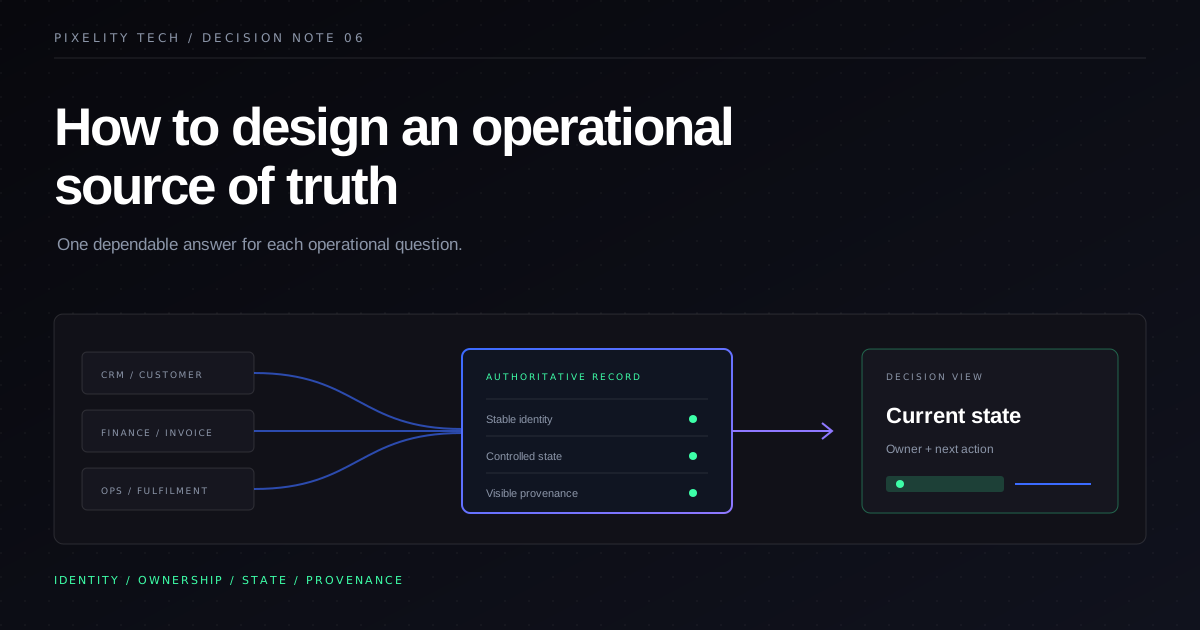
How to Design an Operational Source of Truth
A source of truth is an ownership model, not a dashboard. Learn how to define authoritative data, workflow state, provenance, and reconciliation across business systems.
Read field note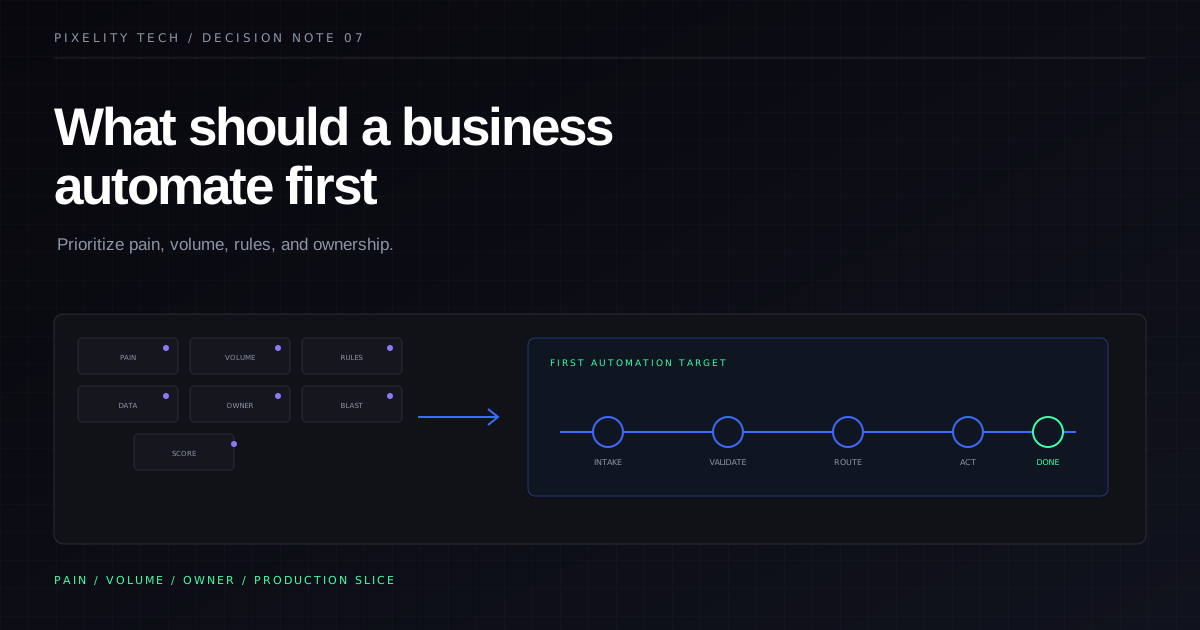
What Should a Business Automate First?
Automation should follow pain, not ambition. Use this prioritization framework to choose the first workflow worth automating without overbuilding.
Read field note