Decide which system owns the answer, then connect them.
Wiring two tools together is the small part. The connection only holds once you settle which system owns each field, how stale the other copy may be, and who fixes a rejected transfer.
- 01Source
- 02Validate
- 03Transform
- 04Deliver
- 05Monitor
Start with the one handoff someone re-keys by hand every day. The rest can wait.
No system was ever made responsible for the answer
Sales works in the CRM, operations in a legacy app or a spreadsheet, finance in the accounting system, and the documents sit in an inbox. Each one holds a version of the same customer, order, and amount, and none of them has ever been named as the one that is right. The business pays twice: once in licenses, and again in the people who spend their day carrying data between them.
How the problem shows up day to day.
- 01
The same record is typed twice
A customer, an order, or an amount is entered again in the next system, and every retype is another chance for the two to drift apart.
- 02
Disagreements are settled by seniority
When the CRM, the operations tool, and the invoice disagree on a status or a figure, the version that wins is the one argued most confidently, because no rule says which system is authoritative.
- 03
Failures are silent
A sync stops or writes half a record. Nothing alerts anyone, nobody owns it, and the gap is found during billing.
How work moves today.
- 01
Work finishes in the first system
Someone marks a deal won, an order ready, or a job complete, and the record is correct in exactly one place.
- 02
Someone re-keys it into the next one
Operations or finance copies the fields across by hand, adding its own reading of what each field means.
- 03
The mismatch surfaces at billing
Two numbers that should have matched do not, and someone reconstructs from exports and message threads which version was true.
- 04
A shadow spreadsheet bridges the gap
A coordinator starts a file to hold both sides together, and that file becomes the only place the full picture exists.
How the same work moves once the system holds it.
- 01
One system owns each field
Every field has a system of record and the others read from it. Where two systems can both write, the rule for which one wins is agreed before the first transfer runs.
- 02
Checked at the boundary
Identifiers, required fields, and business rules are validated before a record crosses, so a rejected transfer fails at the edge instead of landing half-written on the other side.
- 03
Timing is a stated expectation
Each connection declares what triggers it and how current the receiving system is meant to be, so a lag is a known state with a threshold rather than a suspicion.
- 04
Failures are owned and replayable
A stopped or partial sync alerts a named owner, holds the affected records, and can be corrected and re-run once the cause is fixed.
What has to be built for that to hold.
- 01
Integration contracts
For each connection: the trigger, the identifiers, the field-level owner, the transformation, and the latency the business can plan around. Pixelity built Wazzan Holding a booking sync across Guesty, Hostaway, and Lodgify, and a bilingual commerce app connected to Shopify.
- 02
Validation layer
The checks at the boundary that stop incomplete or incompatible records crossing, so a bad write never becomes truth in the receiving system.
- 03
Exception queue and replay
Conflicts, duplicates, and partial failures land where a person can see them, fix the cause, and run the transfer again without rebuilding the data by hand.
Screens from a related demonstration.
Captured from Pixelity's fictional product demonstrations. Organizations, people, and records shown are synthetic.
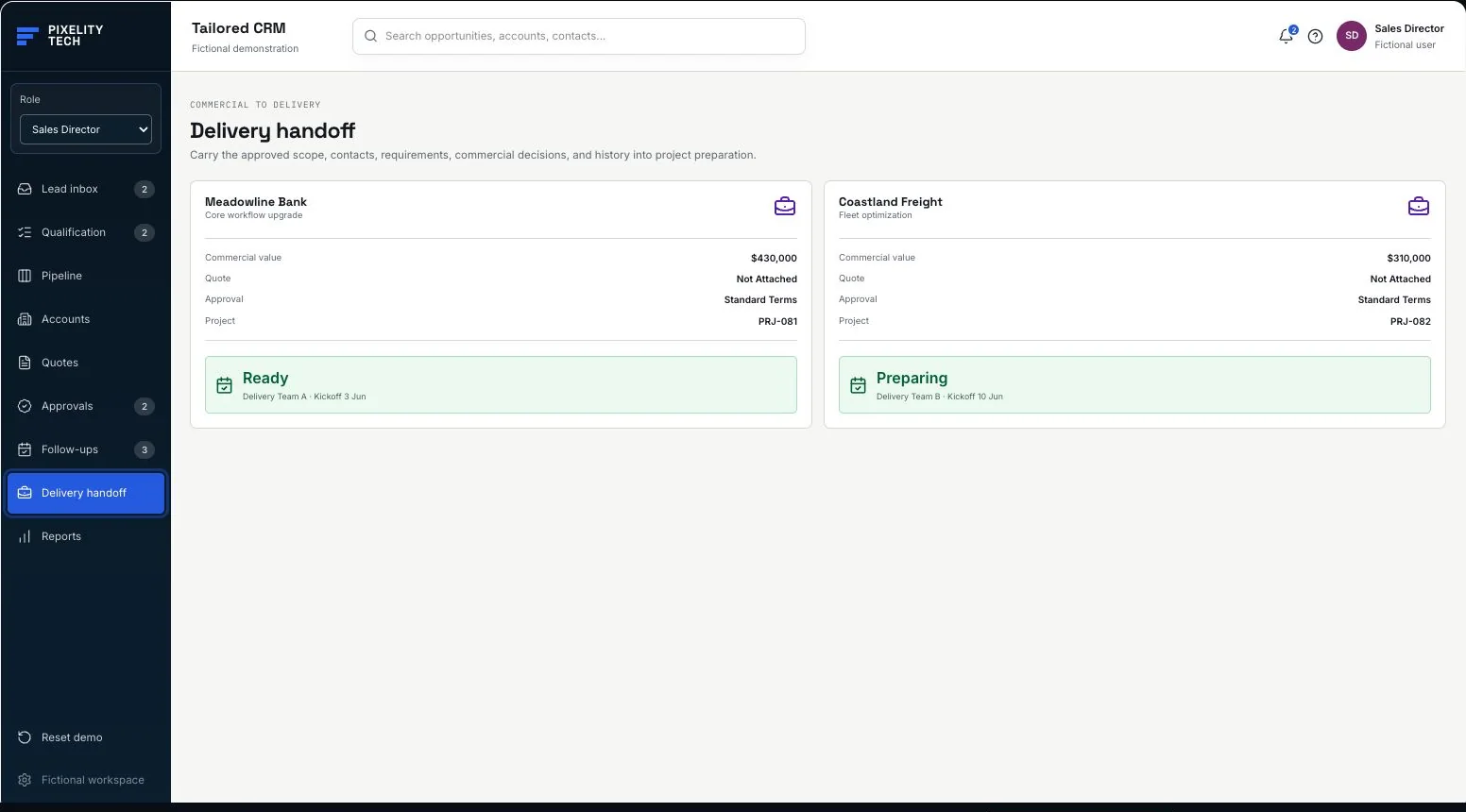
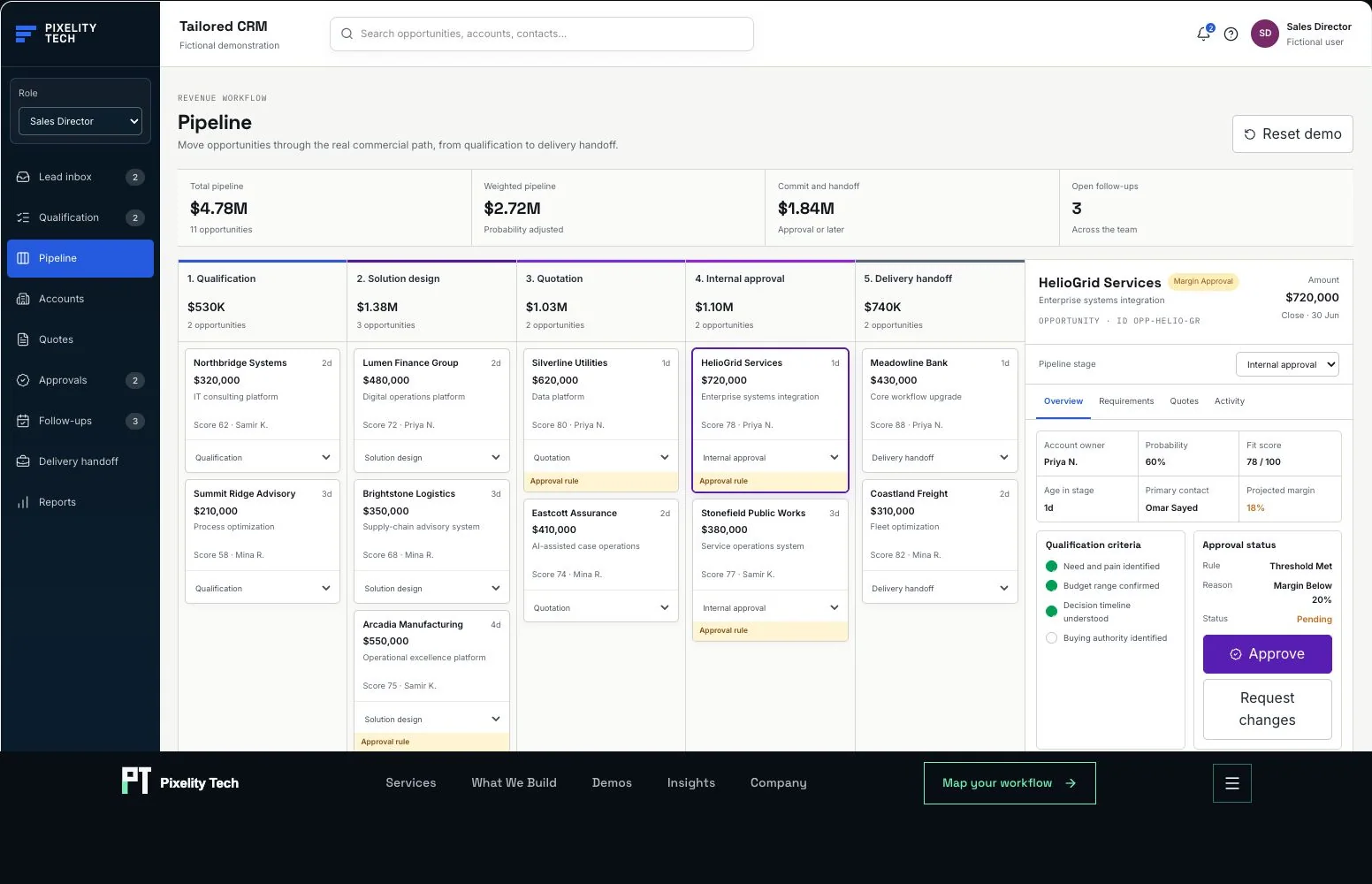
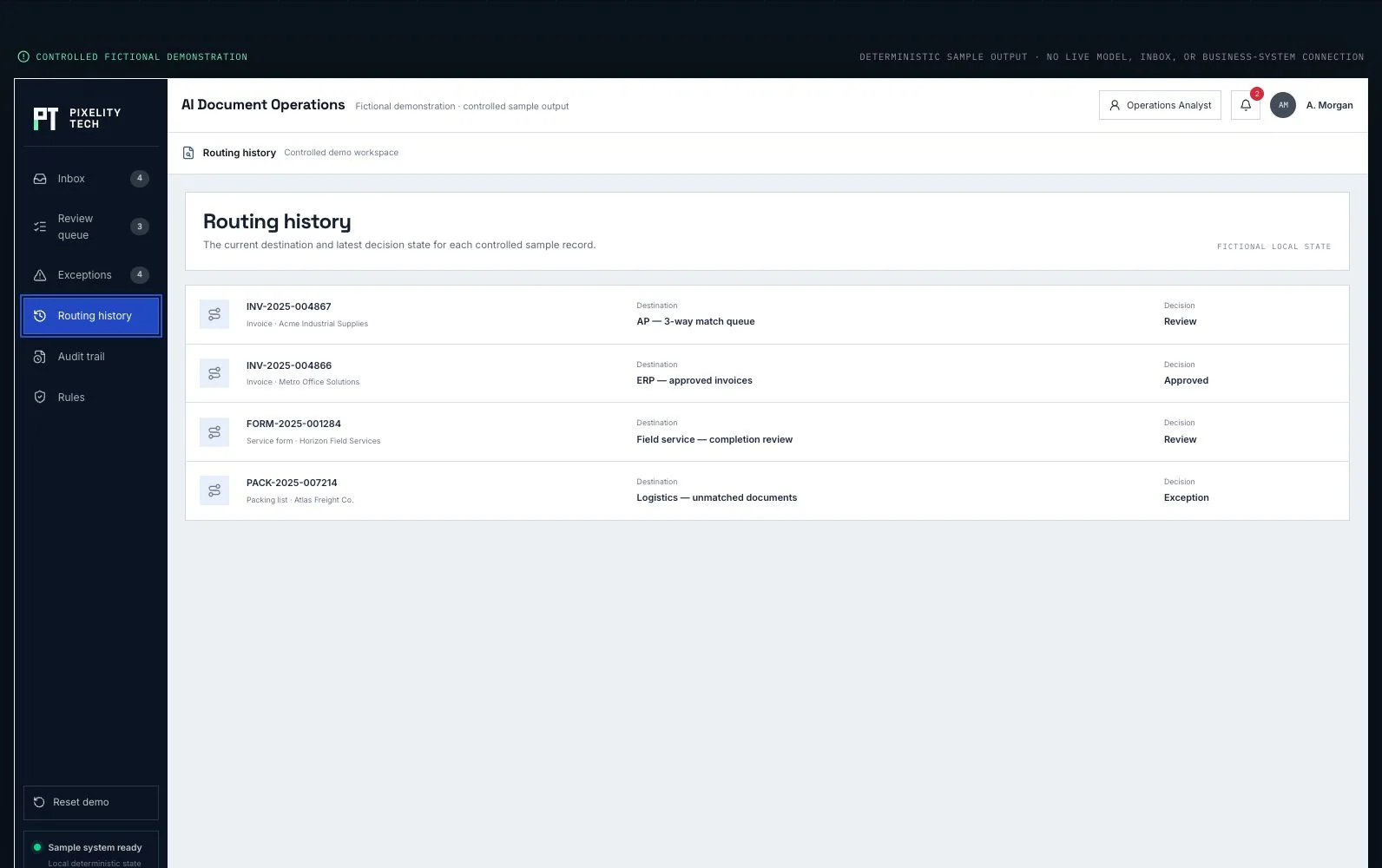
Tailored CRM
Follow commercial context from qualification through approval into delivery handoff.
Open the demonstration- 01CRM
- 02Validate
- 03Approve
- 04Handoff
- 05Operate
The kinds of system this usually becomes.
Adjacent problems that often appear together.
Articles that help frame the decision.
Tell us the process everyone works around.
Describe it in a sentence or two. We will come back with what we would build first, what it would take, and whether you actually need us for it.