Know who can decide, on what evidence, and up to what limit.
Most approval automation just makes the same unexamined decision arrive faster. The useful version settles who holds the authority, on what evidence, and up to what limit. Speed follows from that, it does not replace it.
- 01Submit
- 02Check
- 03Route
- 04Decide
- 05Execute
Keep humans accountable for decisions. Automate everything around the decision.
Authority is assumed rather than defined
Policies for spend, pricing, and exceptions exist in a document, but the decision rights live in habit: whoever is available, whoever the requester knows, whoever remembers the threshold. When a decision is questioned later, nobody can show who was entitled to make it, what they saw at the time, or why an exception was allowed.
How the problem shows up day to day.
- 01
Nobody can name the approver
Authority is inferred from seniority or availability rather than defined by amount, category, and role.
- 02
Decisions arrive without evidence
The approver receives a notification and a number, not the underlying record, the documents, or the policy that applies.
- 03
Exceptions have no route
Requests outside policy are approved anyway, in an inbox, with nothing recording that an exception is what happened.
How work moves today.
- 01
Request by email or chat
Amount, justification, and attachments are spread across a thread instead of held in one record.
- 02
Informal forwarding
The request travels by judgment: managers pass it on until someone who feels senior enough replies.
- 03
Decision in reply
The answer is a sentence in an inbox, without the limit it was made under or the reason it was granted.
- 04
Manual follow-through
Operations interprets the reply and updates the other systems by hand, adding its own reading of what was approved.
How the same work moves once the system holds it.
- 01
Structured submission
Amount, category, justification, and documents are captured once, in the fields the decision will actually turn on.
- 02
Policy-based routing
Thresholds and categories determine who may decide, who deputizes in their absence, and when a second approval is required.
- 03
Tracked decision
The approver decides with the record and its evidence in view, and the outcome is stored with the reason, the timestamp, and the authority used.
- 04
Exceptions and execution
Anything outside policy is routed as an exception with its own approver; approved outcomes update downstream systems without a manual step.
What has to be built for that to hold.
- 01
Policy engine
Thresholds, categories, roles, delegations, and escalation timers written as rules the system enforces rather than conventions people recall.
- 02
Approver workspace
A queue where each request arrives with the evidence needed to decide it and the limit that applies to it.
- 03
Integration actions
Post-approval updates to ERP, CRM, procurement, or ticketing systems, with the decision history queryable afterwards.
Screens from a related demonstration.
Captured from Pixelity's fictional product demonstrations. Organizations, people, and records shown are synthetic.
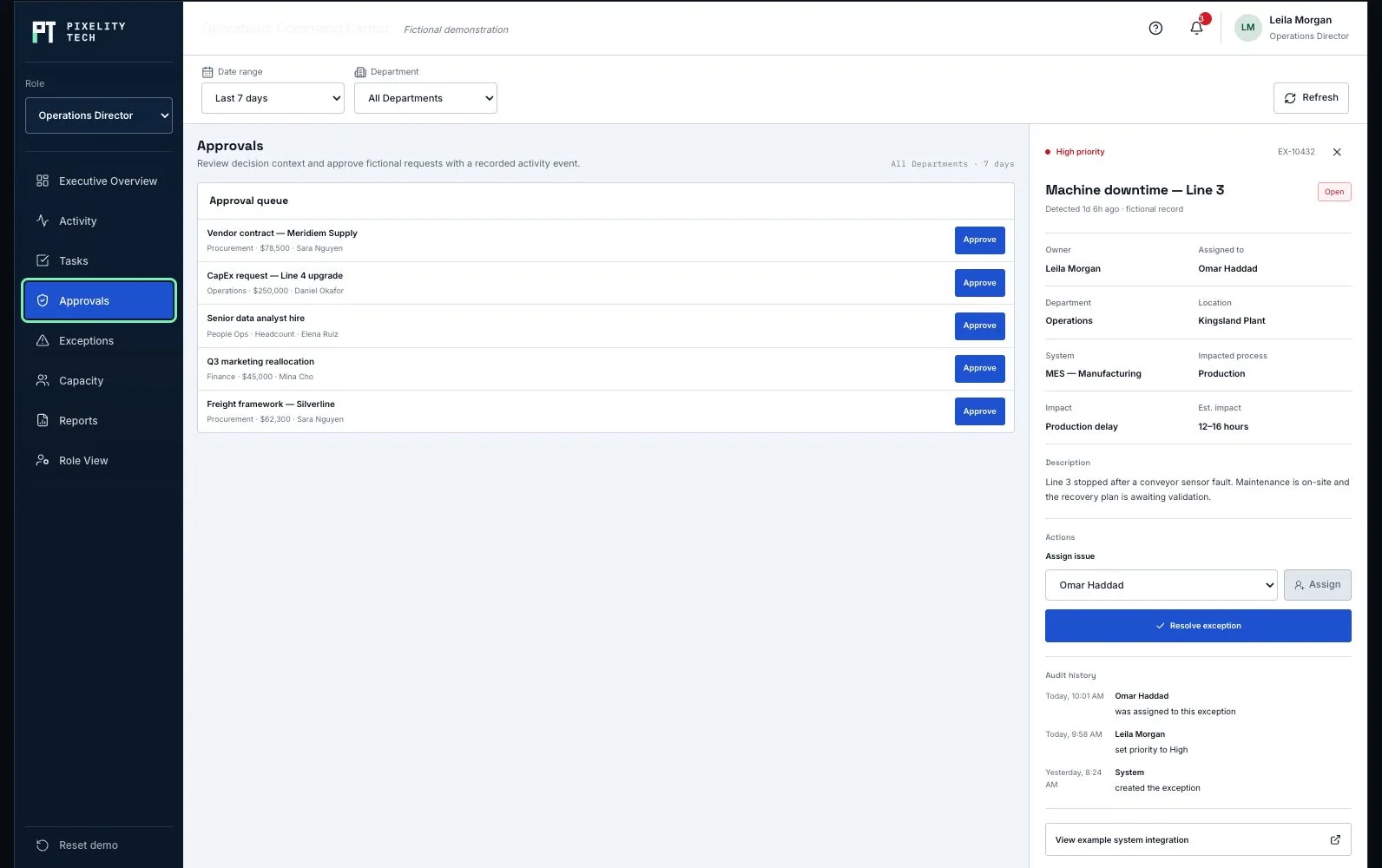
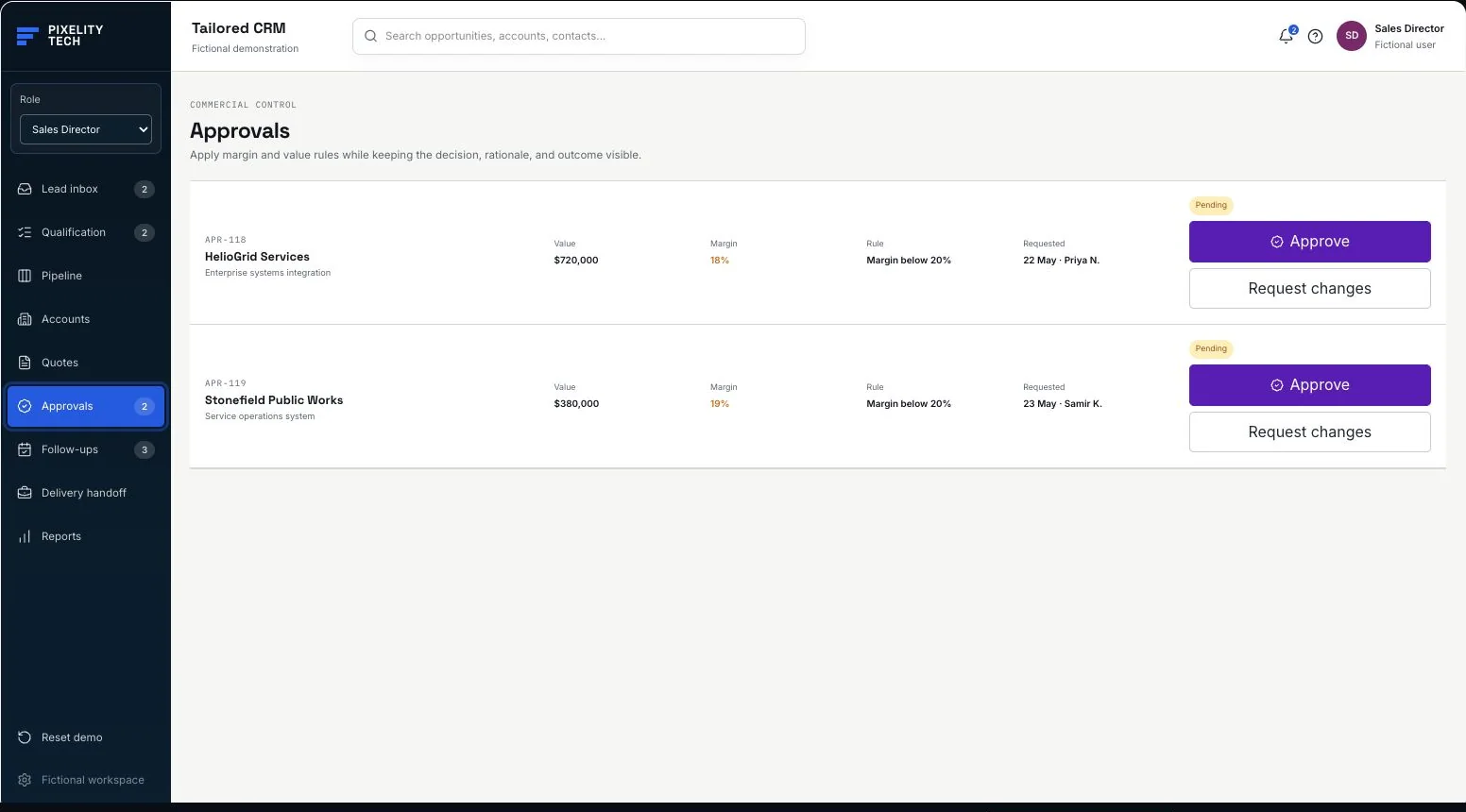
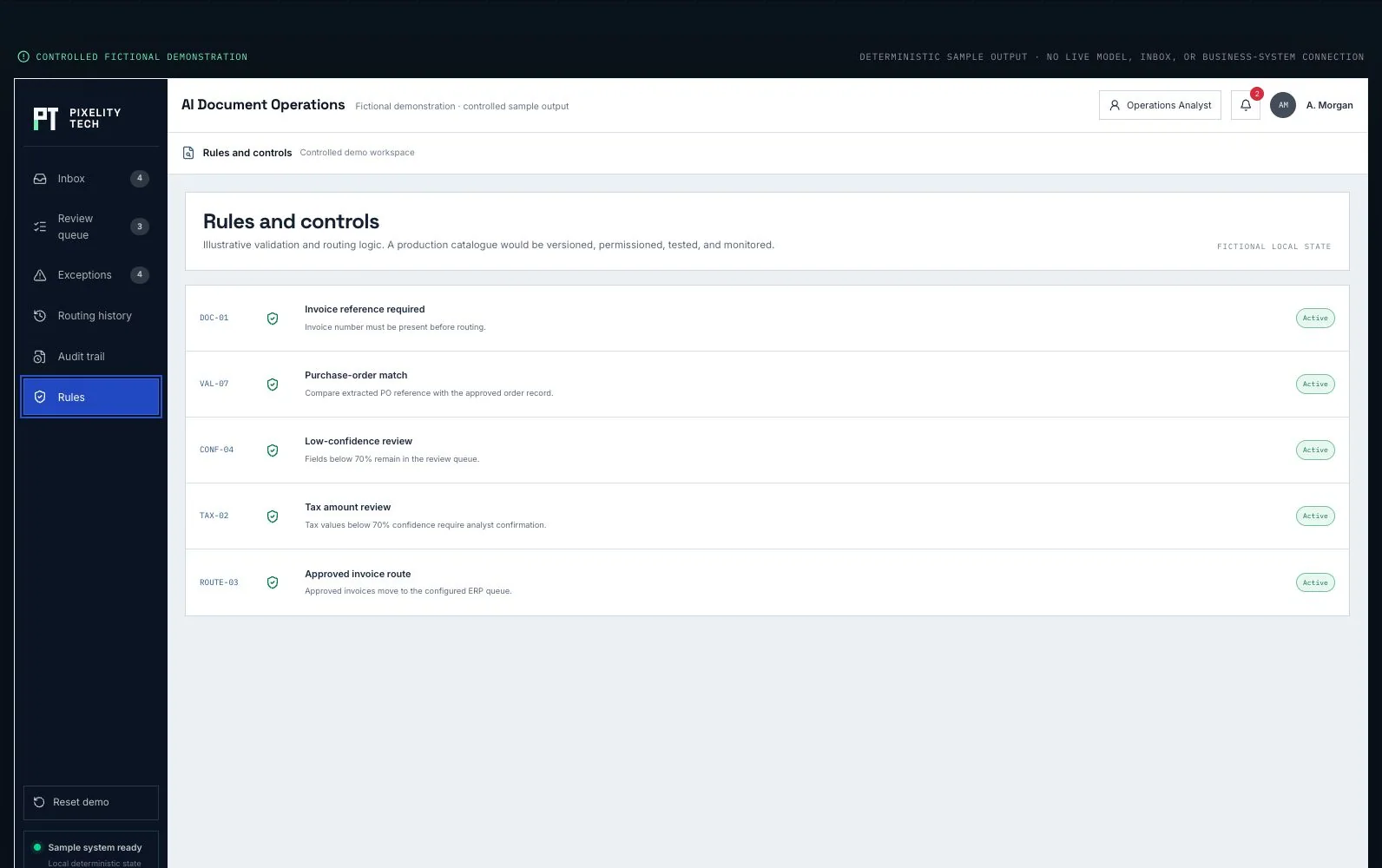
Operations Command Center
Explore an approval queue with role filters, aging, and operational linkage.
Open the demonstration- 01Request
- 02Validate
- 03Route
- 04Decide
- 05Record
The kinds of system this usually becomes.
Adjacent problems that often appear together.
Articles that help frame the decision.
Tell us the process everyone works around.
Describe it in a sentence or two. We will come back with what we would build first, what it would take, and whether you actually need us for it.