Requester
Submits with the fields the decision will turn on, and answers questions without restarting the request.
An approval is a record of authority being used: someone entitled to decide, looking at particular evidence, inside a stated limit, on a date. Software that only speeds up the notification leaves all four unsettled.
Automate the preparation, the routing, and the follow-through. The decision itself stays with the person accountable for it.
An approval system holds four things explicitly: who may decide what, the evidence placed in front of them, the limit their authority stops at, and the route a request takes when it falls outside that limit. Around those it does the mechanical work—validating the submission, routing it, chasing it, recording the outcome, and updating the systems that have to act on it.
The policy document says one thing; practice sends requests to whoever is senior, available, or already in the thread. When a decision is questioned later, the authority behind it cannot be reconstructed.
The request arrives as an amount and a sentence, so the approver either accepts what they were told or reopens the underlying file by hand.
Something outside policy is approved because it was reasonable at the time, and nothing marks it as a departure—so the pattern never surfaces and the limit quietly stops meaning anything.
A request carries budget code, amount, and justification; the amount decides who may approve it and whether a second approval is required; the approved order reaches procurement as an instruction rather than a forwarded message.
A quotation priced under the threshold cannot proceed on the authority of the person who priced it. It routes to finance with the scope, the rates, and the resulting margin attached, and the decision is stored against the deal.
An operator asks to depart from policy, states the reason, and attaches evidence. A supervisor holding that specific authority decides, and the request stays in the history as an exception—countable, reviewable, and visible when the same one recurs.
Captured from Pixelity's fictional product demonstrations. Organizations, people, and records shown are synthetic.
Who may approve what, up to which amount, with which delegate in their absence and which escalation when nobody answers.
The linked record, documents, prior decisions, and likely impact in front of the approver—enough to decide without leaving the queue.
Every pending decision in one visible list, with reminders and a defined path when a request outlives its deadline.
The approved outcome updates the ERP, CRM, or procurement record itself, so nothing waits on somebody reading the approval and acting on it.
Submits with the fields the decision will turn on, and answers questions without restarting the request.
Decides inside a defined authority, sees the evidence with the request, and delegates explicitly rather than by silence.
Reads backlog, decision times, and exception patterns—and changes the thresholds when the exceptions say a limit is set wrong.
ERP, CRM, or procurement systems, which both raise the requests and receive the approved outcome.
Identity provider for approver roles, delegation, and the separation of duties the policy assumes.
Notification channels for pending decisions, reminders, and escalations.
Document storage for the attachments an approval is required to rest on.
Segregation of duties, so a requester cannot approve their own submission, directly or through a delegation they control.
An append-only audit log of submissions, decisions, comments, and system actions.
Authority limits enforced by role, amount, and record type in the system rather than in a policy document.
Retention aligned with finance and compliance requirements, since approvals are usually what an audit asks to see.
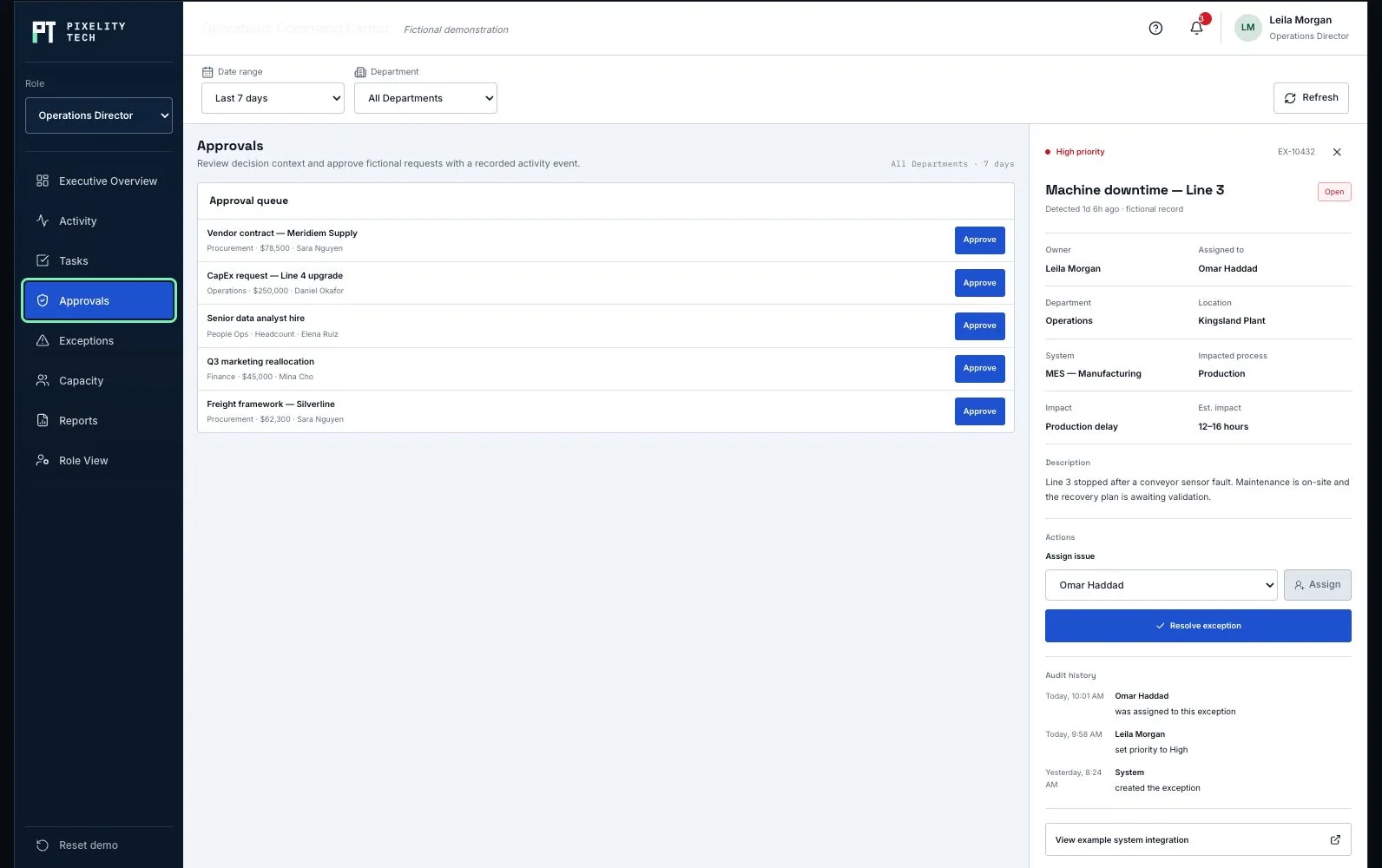
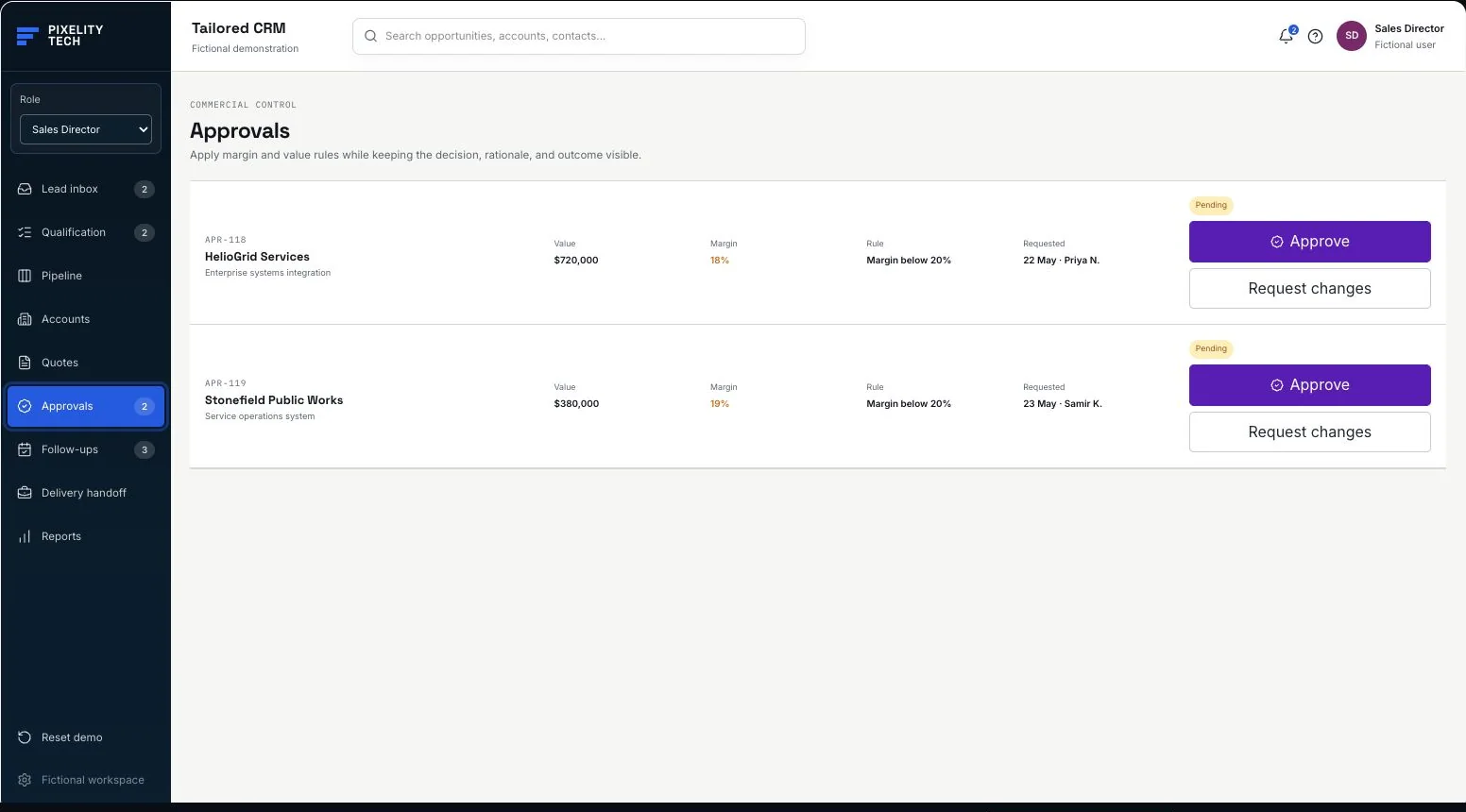
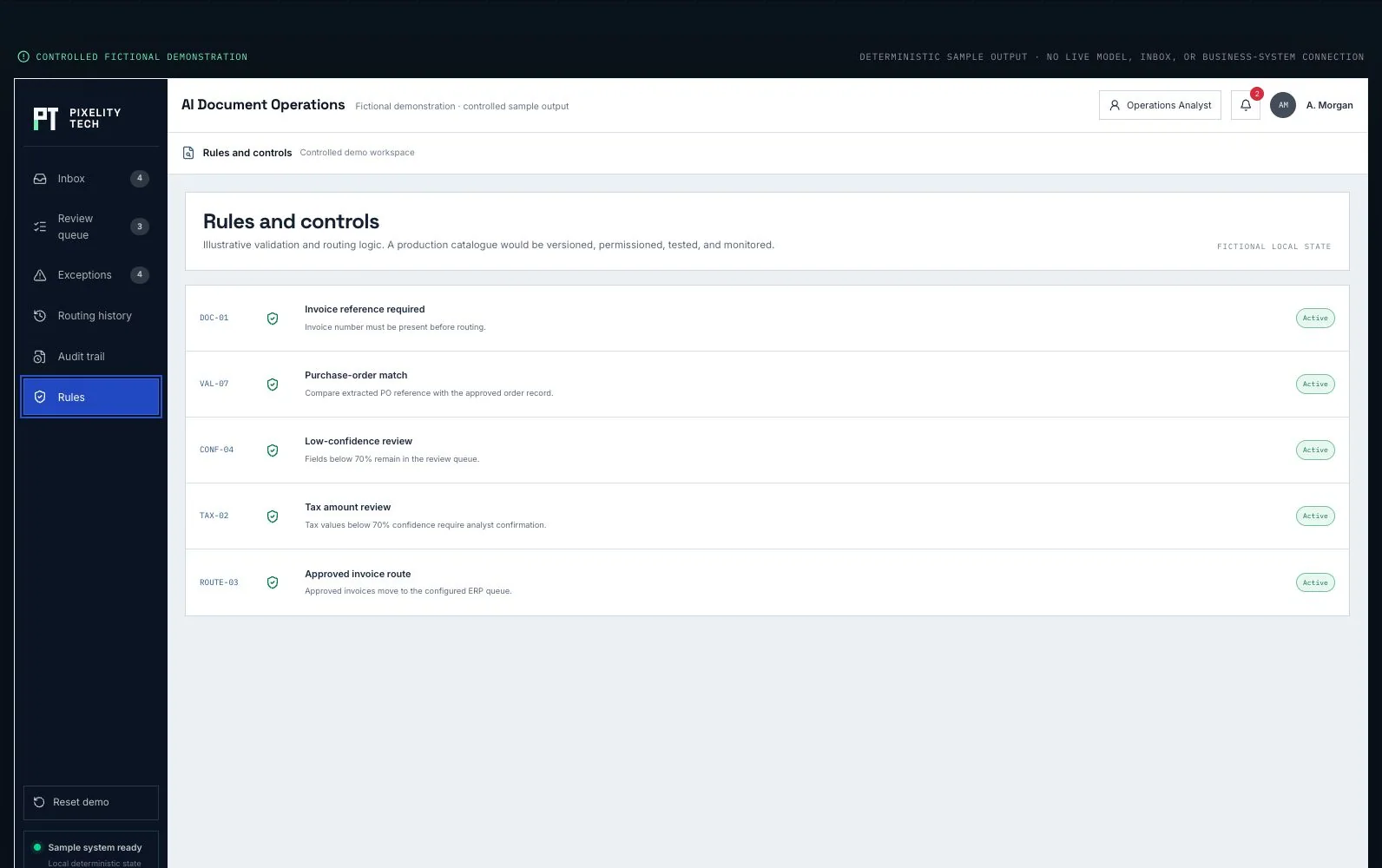
A fictional approval queue: role filters, the context attached to each request, and the operational record behind it.
Open the demonstrationDocument users, records, decisions, exceptions, integrations, and the smallest release that creates measurable operational value.
Prototype the real screens, permissions, and rules so stakeholders react to a visible system before engineering scope hardens.
Deliver one dependable workflow at a time with testable data, ownership, and reporting—not a long hidden build cycle.
Train users on the live workflow, monitor exceptions and adoption, and extend the platform only when the foundation is stable.
Describe it in a sentence or two. We will come back with what we would build first, what it would take, and whether you actually need us for it.