Operations manager
Sees workload, exceptions, capacity, and delivery risk across teams and sites while there is still time to move something.
An ERP earns the name when a single model carries both halves of the business: the order, the job that fulfills it, the cost, the capacity, and the invoice. When they sit in one model, nobody has to reconcile two versions of the same month.
Plenty of companies do not need an ERP. If two connected records and a clear owner would settle it, we will say so rather than sell a platform.
A custom ERP holds the records both sides of the business depend on—customers, orders, jobs, inventory, cost, capacity, invoices—with defined ownership, states, approvals, and reporting on top of them. Sales can see what delivery is committed to; delivery can see what was sold and at what price. The reconciliation step disappears because there is only one record to reconcile.
Sales tracks what was sold, operations tracks what was done, and the two only meet when somebody assembles a spreadsheet at month end.
The standard product has no field for your exceptions, regional rules, or project costing, so the real process moves into parallel spreadsheets beside it.
Margin, backlog, and capacity are assembled from exports and inboxes updated at different intervals, so the position is already old by the time anyone can act on it.
A commercial request becomes a scoped job or project, reserved stock, assigned capacity, milestone billing, and margin reporting—without re-entering context at each handoff.
Pixelity built Wazzan Holding a short-term-rental cleaning operations platform that carries a booking through assignment, photo-evidenced completion, and VAT invoicing without re-entering the job between operations and finance.
We have built internal and group-level business systems for AMKM Investments.
Captured from Pixelity's fictional product demonstrations. Organizations, people, and records shown are synthetic.
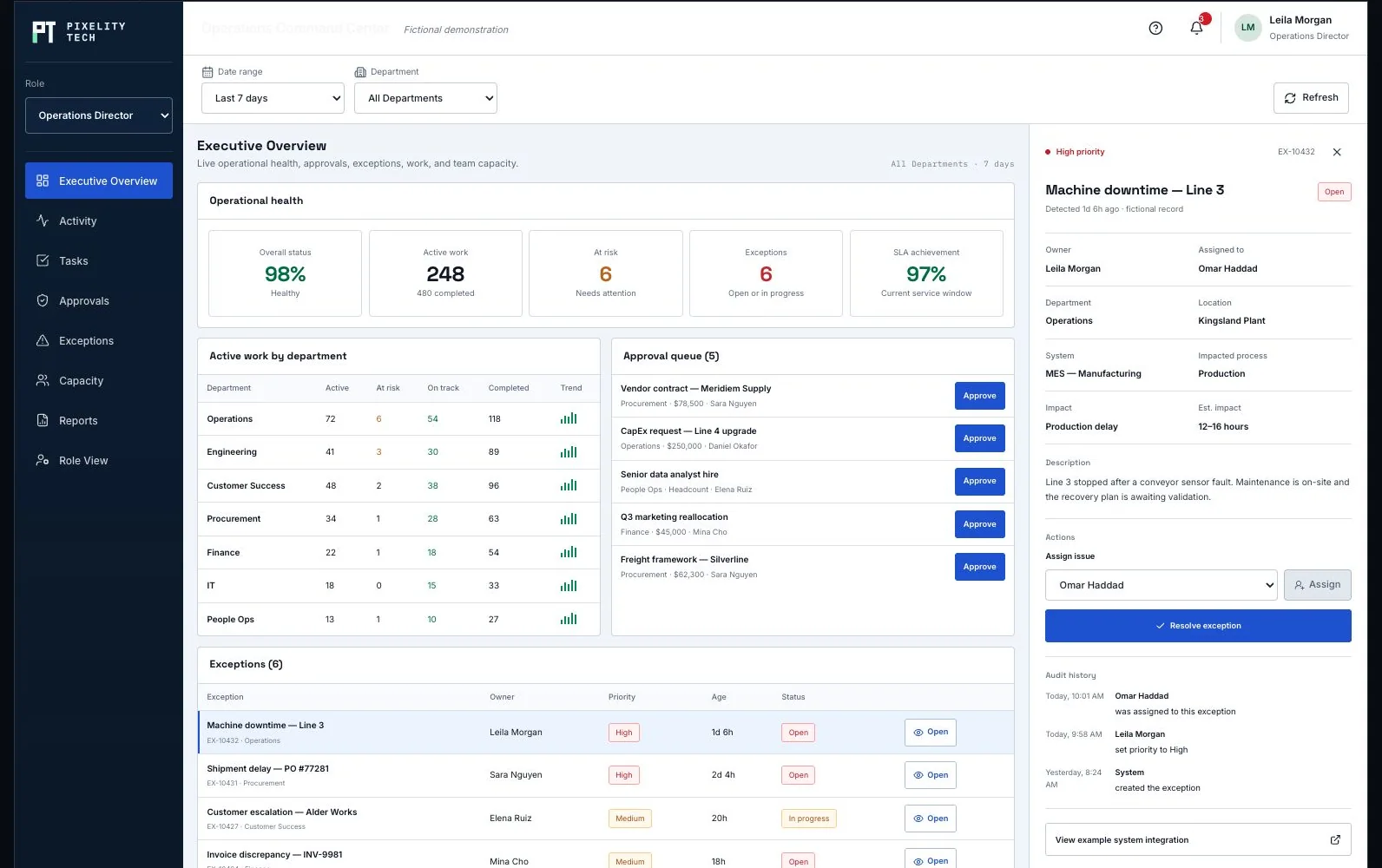
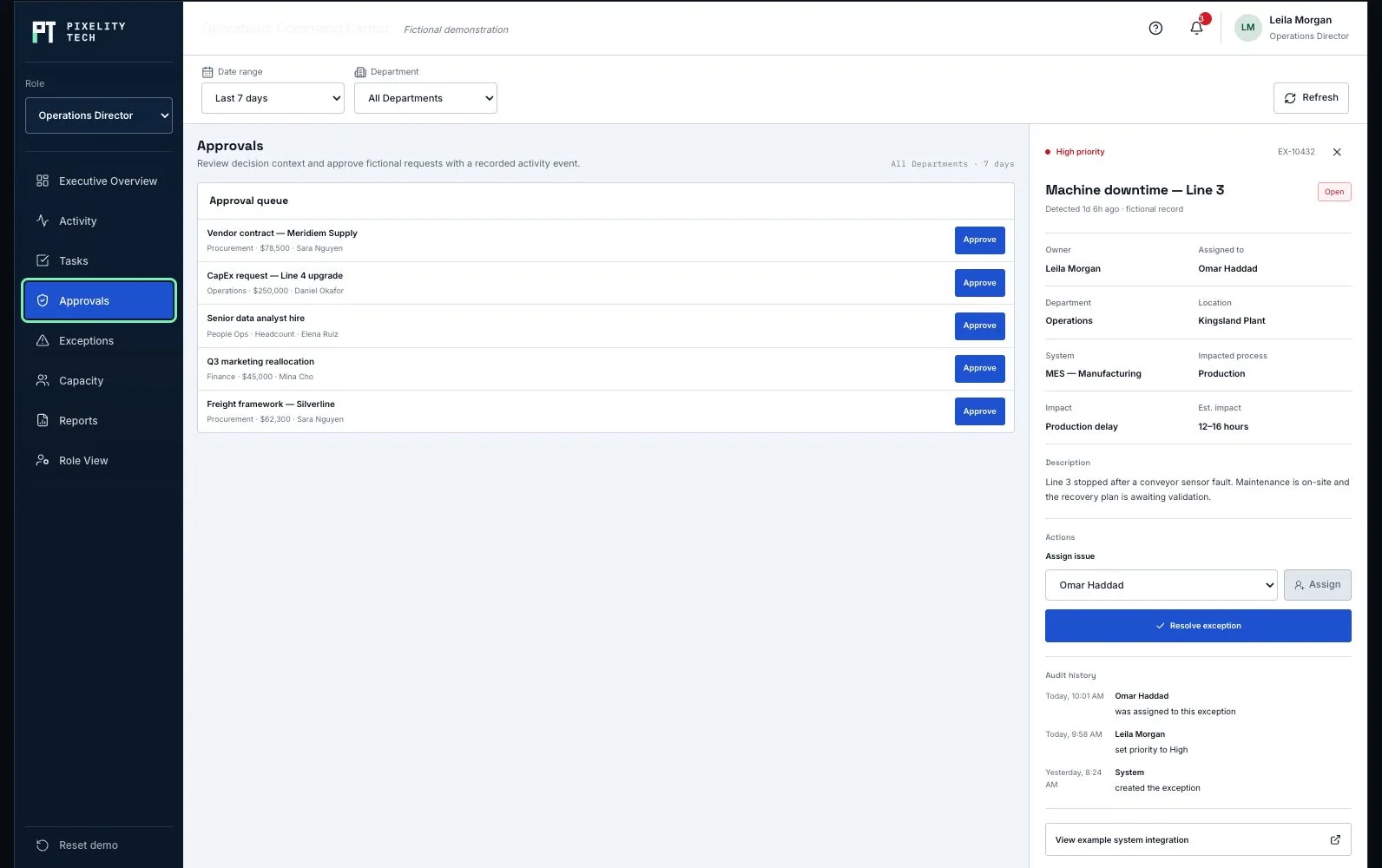
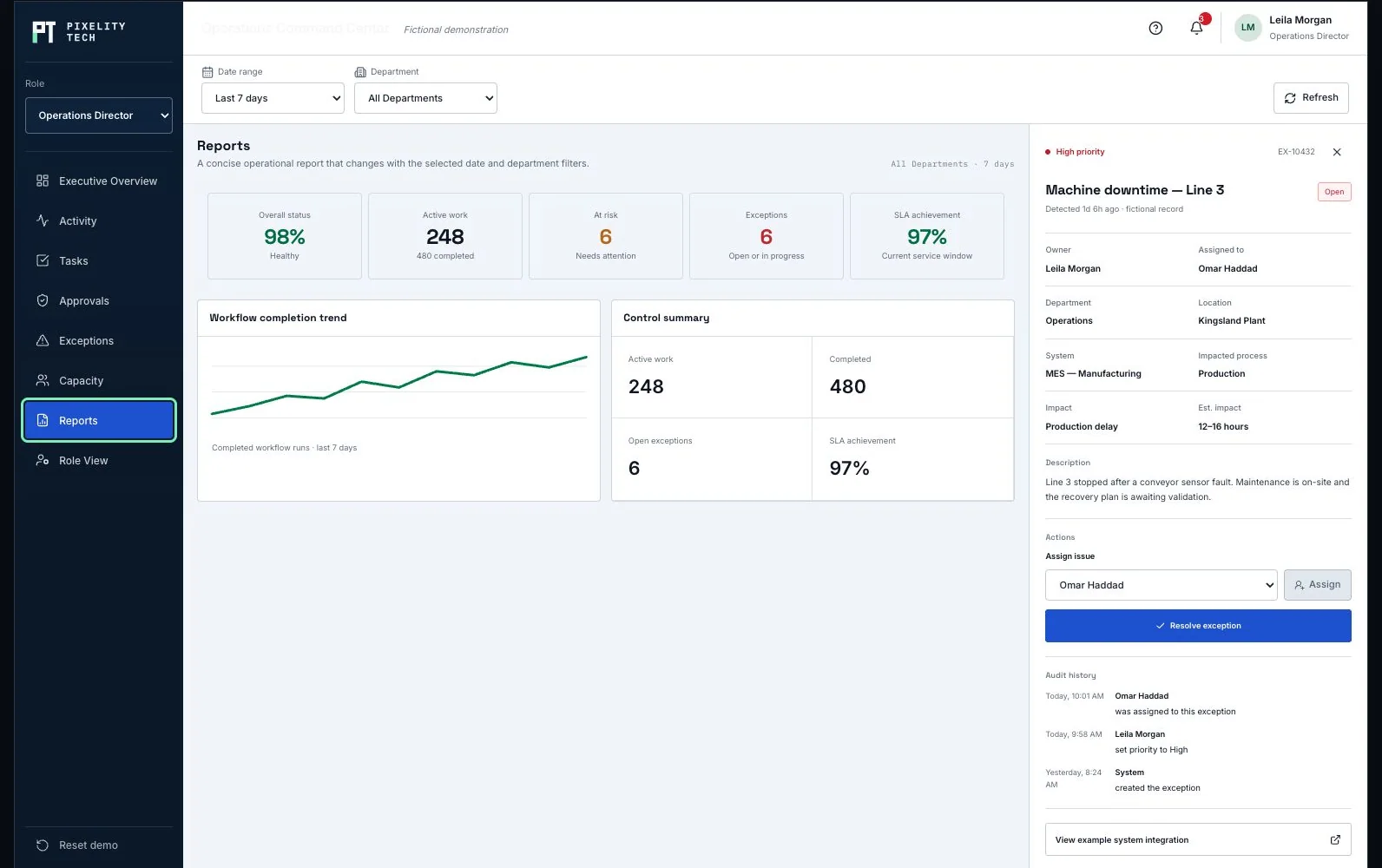
The handful of records the business runs on, the states each one can hold, and which transitions between them are allowed.
Operations, finance, sales, and leadership each get the actions and the summary their decisions need, and not the rest.
Spending, discounts, schedule changes, and write-offs pass limits encoded in the system rather than limits somebody is expected to remember.
Completion, margin, capacity, exceptions, and backlog read from the operational record itself—not from a monthly assembly of exports.
Sees workload, exceptions, capacity, and delivery risk across teams and sites while there is still time to move something.
Reviews commitments, cost, approvals, and reconciliation against the same record operations is working in.
Assigns work, clears blockers, and moves records between states within a defined authority.
Accounting and invoicing systems, so a posted invoice and a completed job are one event rather than two entries.
CRM or commercial platform, so the terms that were sold travel into the work that fulfills them.
Warehouse, logistics, or supplier systems, where stock movement actually originates.
Identity provider, so access follows roles the business already defines instead of a second user list.
Role and site permissions, so financial and customer detail reaches the people whose job needs it.
Audit history on record changes, approvals, and exceptions, kept long enough to answer a question months later.
Separation between operational edits and financial posting where policy requires it.
Backups, environment separation, and access logging appropriate to a system the business cannot run a day without.
A fictional operating platform, built to show the shape: activity, approvals, exceptions, capacity, and reporting inside one product.
Open the demonstrationDocument users, records, decisions, exceptions, integrations, and the smallest release that creates measurable operational value.
Prototype the real screens, permissions, and rules so stakeholders react to a visible system before engineering scope hardens.
Deliver one dependable workflow at a time with testable data, ownership, and reporting—not a long hidden build cycle.
Train users on the live workflow, monitor exceptions and adoption, and extend the platform only when the foundation is stable.
Describe it in a sentence or two. We will come back with what we would build first, what it would take, and whether you actually need us for it.