Pixelity Tech / Field note
How to Decide Whether to Build or Buy
A build-or-buy framework for teams that need to compare strategic fit, lifecycle cost, delivery risk, and the ability to change later.
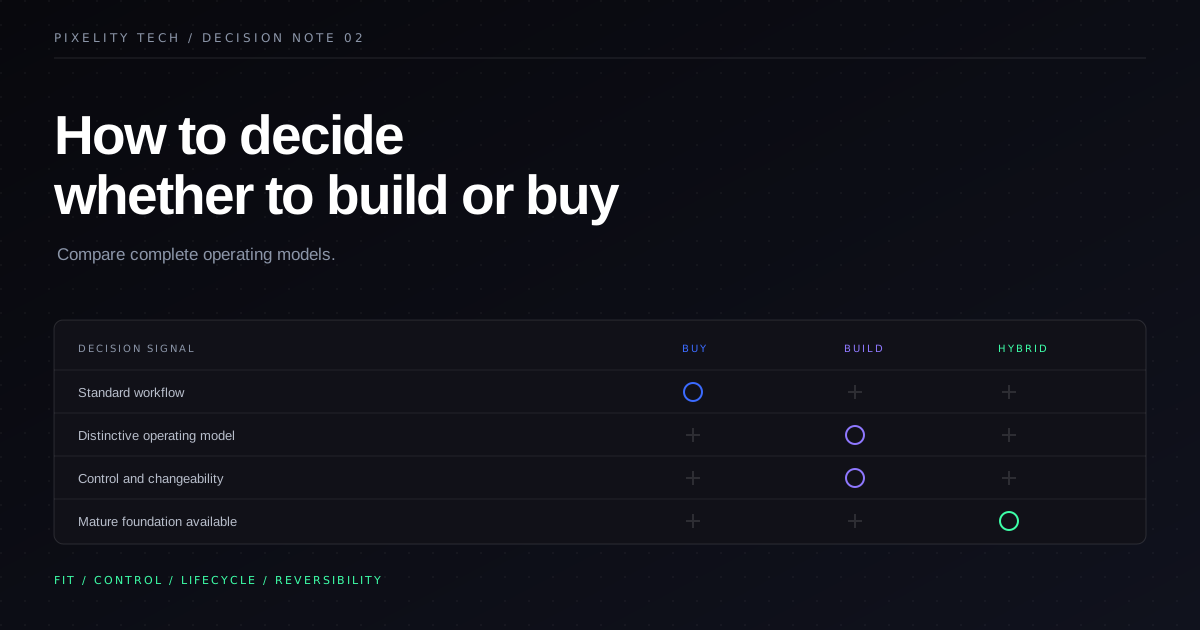
Build-or-buy decisions go wrong when teams compare a polished software product with a vague idea of a custom system.
The product has screenshots, a price, documentation, and a sales team. The custom option has an estimate based on incomplete requirements. Buying therefore looks concrete and safe, while building looks uncertain. Six months later, the purchased product may still require integration, process changes, and custom extensions that were absent from the comparison.
A fair decision evaluates two complete operating models. What would it take to adopt, integrate, govern, and eventually leave the product? What would it take to design, build, operate, and evolve the custom system?
The aim is not to eliminate uncertainty. It is to expose the important uncertainty before commitment.
Define the decision boundary
“Should we build our platform?” is too broad. Break the problem into capabilities with clear boundaries.
An operations system might contain:
- customer and supplier records;
- job scheduling;
- pricing rules;
- approvals;
- document storage;
- invoicing;
- reporting;
- identity and access;
- notifications.
It would be unusual for every capability to deserve the same answer. Identity may come from a managed provider, invoicing from an accounting platform, and document storage from an established cloud service. The distinctive scheduling and approval logic may be worth building.
This decomposition prevents two expensive extremes: building commodity infrastructure unnecessarily, or buying a large suite because it contains one required feature.
Establish non-negotiables before looking at products
Teams often adjust their requirements after seeing what a preferred vendor supports. Some compromise is healthy. Silent compromise is not.
Write the conditions that any acceptable solution must meet. Keep the list short enough to be meaningful. It may include:
- a specific operational workflow that cannot be simplified away;
- ownership and exportability of business data;
- integration with systems that will remain;
- a required deployment, privacy, or access-control model;
- acceptable behavior when an integration is unavailable;
- a usable experience for a critical user group;
- a date driven by a genuine business dependency.
Separate these from preferences. A preference can influence scoring. A non-negotiable should disqualify an option.
Score the options across six dimensions
A weighted score is not a substitute for judgment, but it makes assumptions visible. Evaluate each viable buy, build, or hybrid option across the same dimensions.
1. Operational fit
Can the solution represent the real workflow, including exceptions, hand-offs, and permissions? How much process change would adoption require? Is that change an improvement or simply accommodation?
Do not score fit from a feature list. Use operational scenarios with representative data and ask the people who perform the work to evaluate them.
2. Strategic importance
Does this capability affect how the company competes, serves customers, manages risk, or makes decisions? If the workflow is deliberately distinctive, controlling it may matter. If it is administrative and standard, ownership may add little value.
Strategic importance is not the same as business importance. Payroll is important. That does not normally make payroll software strategically differentiating.
3. Time to useful adoption
Compare the time until the system is used successfully, not the time until a contract is signed or code is deployed.
For a purchased product, include configuration, migration, integration, permissions, training, and process change. For a build, include discovery, design, development, quality assurance, migration, rollout, and support preparation.
If the need is urgent, consider whether a narrow custom release or smaller product can solve the first operational problem while preserving a sensible long-term direction.
4. Lifecycle economics
Use a shared time horizon and include the costs around the software. Subscription growth, premium modules, consultants, integration platforms, and manual work belong in the buy case. Product ownership, maintenance, hosting, monitoring, and future development belong in the build case.
Avoid forcing uncertain benefits into precise financial projections. Use ranges, show assumptions, and identify which variables could change the decision.
5. Control and changeability
How quickly can the solution adapt when the workflow, market, or regulation changes? Who controls priorities? Can you inspect and export the data? Can another team operate the system? Are you dependent on a proprietary extension model or specialist vendor?
Custom software offers more control only when the business also owns the relevant code, infrastructure, documentation, and operational knowledge. A bespoke system controlled by one supplier can create a different form of lock-in.
6. Delivery and operating risk
For buying, examine vendor stability, service dependencies, product roadmap alignment, security history, support quality, and exit options. For building, examine requirement uncertainty, team capability, architecture, quality practices, and the availability of a committed product owner.
The risk profiles differ. Buying concentrates risk in fit and dependency. Building concentrates risk in execution and stewardship.
Run a proof before making a large commitment
When the decision remains close, test the most uncertain assumption.
For a vendor product, configure a trial around two or three real workflows. Include an exception, a permission boundary, a required integration, and a useful report. Ask users to complete tasks rather than watch a demonstration.
For a custom option, build a thin vertical slice that moves realistic data through the core workflow. It should test the difficult integration or business rule, not merely render polished screens.
A proof is successful when it reduces uncertainty. It does not need to resemble the final system. Our tailored CRM demo shows the kind of workflow-specific behavior a custom interface can make visible, but the relevant proof for your company must use your constraints.
Include the hybrid option explicitly
The most useful answer is often “buy the foundation and build the operating layer.”
Examples include:
- using an established ERP for accounting while building a tailored operations interface;
- using a standard CRM as the record store while building a specialized partner portal;
- using managed AI models while building the review, permissions, audit, and exception workflow;
- using a document platform while building the case-management process around it.
Hybrid systems can reduce development scope without surrendering the parts that need to fit. They also introduce integration ownership, so define which system is authoritative for each data entity and how failures are reconciled.
Pixelity’s systems integration service is designed around these boundaries rather than assuming every existing platform should be replaced.
Decide how you would exit before you enter
Every option changes over time. Vendors raise prices, discontinue features, or shift strategy. Custom systems accumulate decisions and dependencies. The responsible question is not whether change will happen, but how reversible the choice remains.
For a purchased product, confirm:
- what data can be exported and in what form;
- whether attachments, audit history, and relationships are included;
- how integrations are authenticated and documented;
- which customizations would have to be recreated elsewhere;
- what happens when the contract ends.
For a custom system, confirm:
- who owns the source code and cloud accounts;
- how environments and deployments are documented;
- whether another competent team could take over;
- which dependencies are replaceable;
- how data is backed up and restored.
Reversibility has value even if you never exercise it. It improves negotiating position and reduces the cost of responding to change.
Write a decision record
End the evaluation with a short record that states:
- the process and capability boundary;
- the options evaluated;
- the non-negotiables;
- the important assumptions;
- the chosen option and rationale;
- the risks being accepted;
- the conditions that would trigger a review.
This prevents the decision from being retold later as “IT preferred vendor A” or “the team wanted to build.” It also gives future leaders a fair basis for reassessing the choice when circumstances change.
The practical rule
Buy when a mature product fits a process you are willing to standardize. Build when the capability is distinctive enough to control and the organization can steward it. Combine both when a standard foundation can support a tailored operational layer.
If the decision is still framed as a list of features, go back to the workflow. Review the custom software service, then map the first process that needs a clear system boundary.
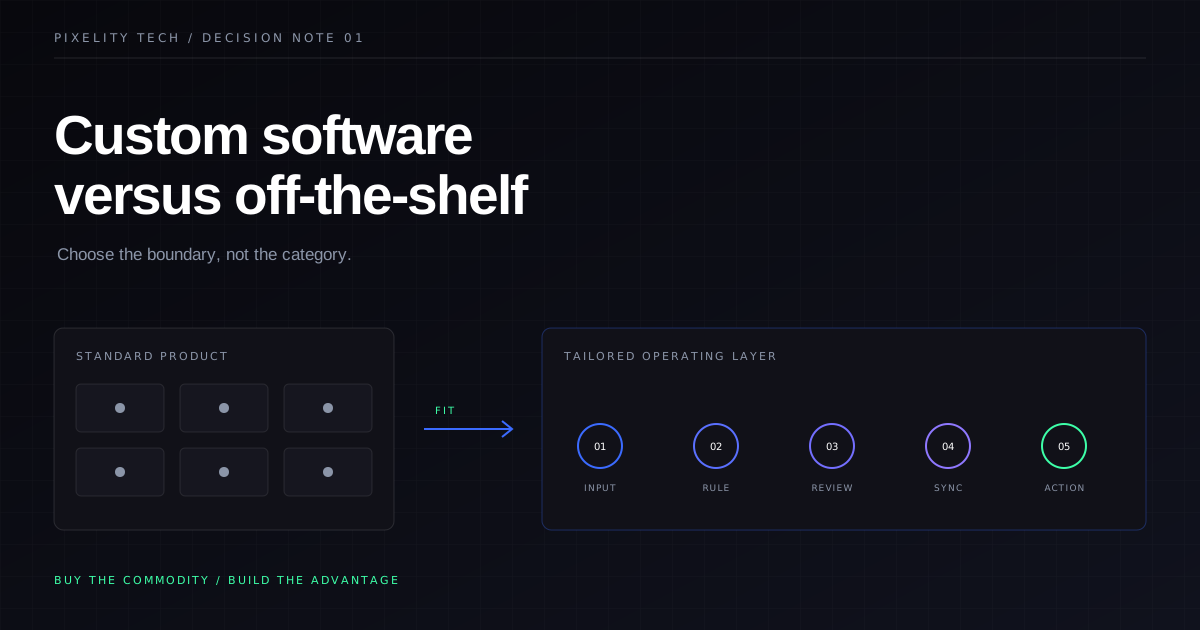
Custom Software Versus Off-the-Shelf Software
A practical way to decide whether your business should adapt to an existing product or invest in software designed around its operation.
Read field note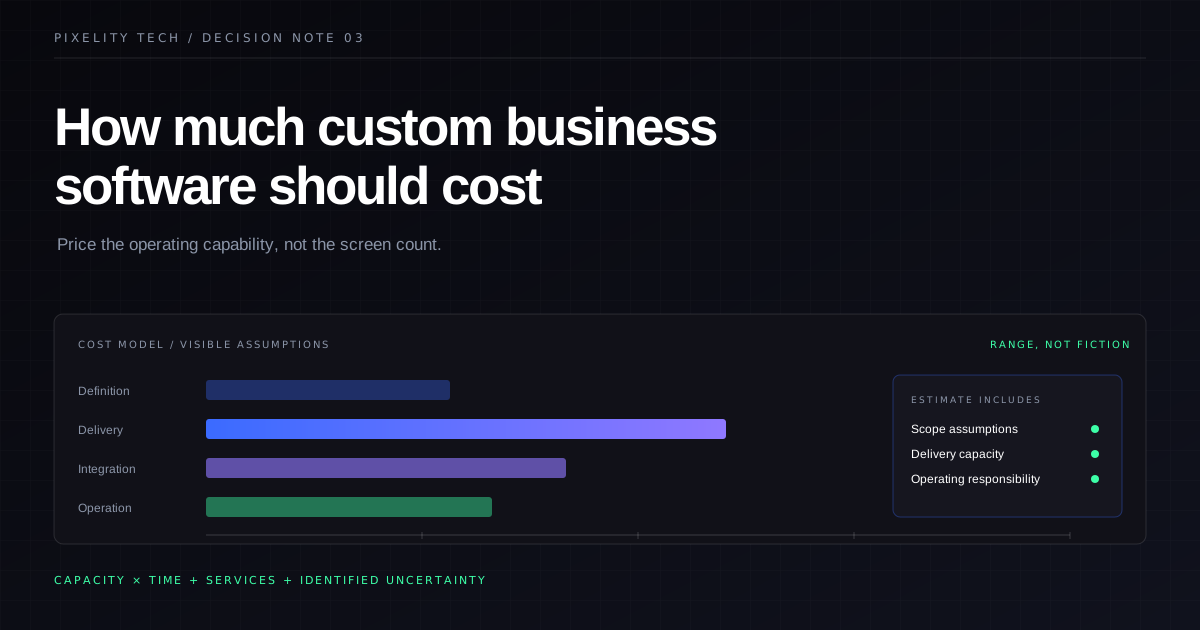
How Much Custom Business Software Should Cost
What a credible custom-software budget includes, which variables move it, and how to compare estimates without rewarding false precision.
Read field note