Pixelity Tech / Field note
What Should a Business Automate First?
Automation should follow pain, not ambition. Use this prioritization framework to choose the first workflow worth automating without overbuilding.
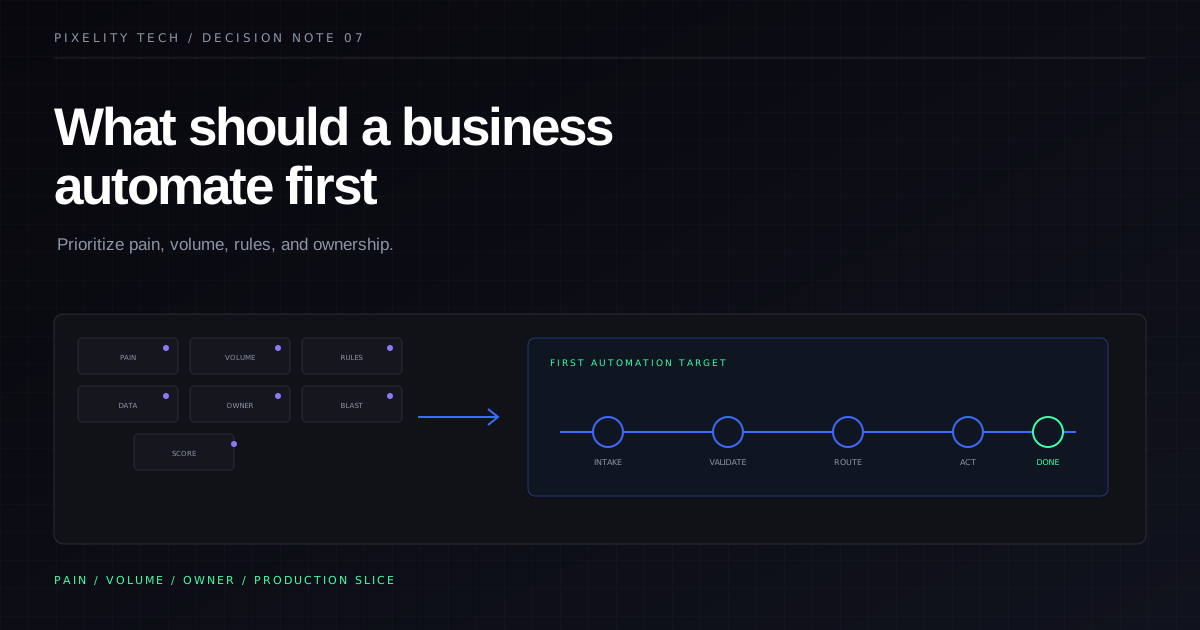
Most automation conversations begin with the wrong question.
Teams ask what can be automated. The better question is what should be automated first, given limited attention, budget, and organizational tolerance for change.
Automation is not a catalogue exercise. It is a sequencing decision. The first automated workflow sets expectations about ownership, data quality, exception handling, and how software will be introduced into daily work. Choose poorly and the organization learns that automation creates more coordination. Choose well and the next project has a credible foundation.
Start with workflows, not tools
A workflow is a repeatable path from trigger to outcome with identifiable owners, inputs, decisions, and handoffs. Tools matter, but they come after the workflow is understood well enough to improve.
Before evaluating platforms, document one candidate process as it actually runs:
- what starts the work;
- which systems or files supply information;
- where decisions happen and who makes them;
- what exceptions appear repeatedly;
- what downstream work depends on completion;
- how the team knows the process is finished.
If you cannot describe these elements for a process, automation will encode confusion. The operations command center demo shows what changes when those elements become explicit: assigned work, named states, and visible ownership instead of rows that require interpretation.
The four filters for first automation
Use four filters together. A workflow that passes only one is usually a poor first candidate.
1. Recurring pain that leadership recognizes
The process should already cost time, create delay, or produce errors that managers discuss without prompting. Pain that exists only in one team’s frustration is still real, but it may not survive competing priorities unless a sponsor will defend the change.
Look for work that people describe with resignation: “We always have to chase this,” or “Someone re-enters the same data every week.” Those phrases often mark automation-ready repetition.
2. Enough volume to justify the investment
Automation has a fixed cost to design, build, test, and adopt. Low-volume work may be better served by a clearer manual procedure, a checklist, or a lightweight template.
Volume is not only transaction count. It includes how often the same exception is handled, how many people touch the same record, and how frequently status must be communicated across teams. A process with modest daily volume but constant coordination overhead can still qualify.
3. Rules that can be stated without constant judgment
Automation handles defined transitions well. It struggles when every case requires a new interpretation of policy.
A workable first candidate has a core path that is stable: required fields, approval thresholds, routing by category, or validation against a reference list. Judgment remains, but it should sit at defined points rather than throughout the flow.
If every item is unique, begin with mapping the approval workflow or improving the operational record before automating execution. Approval systems work when decision rules and escalation paths are explicit.
4. A committed process owner
Someone with authority must own definitions, exception policy, and adoption after launch. Without an owner, automation becomes a technical artifact that teams route around.
The owner does not need to write software. They need to answer questions when reality disagrees with the model, approve changes to rules, and insist that duplicate manual paths are retired once the automated path is trusted.
Score candidates with a simple matrix
List five to ten recurring workflows. Rate each from 1 (low) to 5 (high) on:
| Criterion | Question |
|---|---|
| Pain | How much delay, error, or coordination does this cause? |
| Volume | How often does it run, and how many people are involved? |
| Rule clarity | How much of the path is stable versus negotiated case by case? |
| Data readiness | Can required inputs be obtained reliably from named sources? |
| Owner strength | Is there a sponsor who will enforce adoption? |
| Blast radius | If automation fails, how contained is the damage? |
Weight pain, volume, and owner strength most heavily for a first project. Favor processes with contained blast radius while the organization learns how automation is delivered and supported.
Deprioritize workflows that are politically sensitive but operationally vague, or that require replacing several systems at once. Those belong later in a roadmap, often after integration versus automation boundaries are clear.
Strong first candidates
These patterns frequently score well:
Status chasing and handoff reminders. Work stalls because nobody knows who acts next. Named states, assignments, and notifications remove low-value coordination without changing the underlying policy.
Intake with validation. Requests arrive incomplete. A governed intake form or inbox enforces required fields, attaches documents, and routes by category before a human invests time.
Threshold-based approvals. Spend limits, discount bands, or policy exceptions route to the right approver with an audit trail. This is often the fastest path to measurable time savings.
Reconciliation between two systems. The same customer, order, or invoice identity is copied manually between products. A focused integration or operational layer eliminates duplicate entry while preserving each system’s role.
Exception queues. Rather than automating the entire process, automate the happy path and place ambiguous cases in a review queue with context. This pattern appears in mature document and operations systems.
Weak first candidates
These often look attractive but fail as opening projects:
Processes still being invented. If the business has not run the workflow consistently for several months, software will freeze the wrong version.
Highly bespoke professional judgment. Underwriting, complex pricing, or relationship-driven sales may need software support, but not full automation on day one.
Organization-wide reporting rebuilds. Reporting problems usually trace to upstream definitions and ownership. Automating report assembly without fixing the source of truth reproduces the pain in a new format. See how to design an operational source of truth before treating reporting as the first target.
“Automate everything in this spreadsheet.” Spreadsheets often mix data, state, rules, and presentation. Replacing one complete workflow is safer than migrating every column at once. The article on seven signs your company has outgrown spreadsheets helps decide when that replacement is due.
Define the first release as a production slice
The first automation should deliver one complete path used in production:
- trigger to outcome for the core case;
- permissions appropriate to the process;
- history that shows who changed what;
- a defined exception path;
- monitoring and a recovery plan;
- training and a named owner after launch.
Avoid the partial release that automates creation but leaves updates manual, or routing without closure. Incomplete slices train users to maintain parallel habits.
Measure success with operational metrics: cycle time, rework rate, time spent on status requests, and error recurrence. Vanity metrics such as “steps removed” are less persuasive than fewer escalations and faster decisions.
Sequence the roadmap
After the first workflow succeeds, expand in one of three directions:
- Adjacent steps in the same process — deeper exception handling, richer integrations, or additional roles.
- Parallel processes that share entities — reuse customer, order, or document models across teams.
- Connected systems — replace copy-paste between products once identities and ownership are stable.
Resist jumping to unrelated departments before adoption is stable. Credibility is built through repeated delivery, not breadth of slides.
When automation is not the first move
Sometimes the right first step is a governed business system without heavy automation: clearer states, ownership, and records. Automation attaches to a process that already exists. If the process is ambiguous, software should clarify it before executing it.
The automate approvals use case illustrates a common sequence: map the workflow, define states and thresholds, introduce a command layer for visibility, then automate routing and reminders.
Pixelity’s workflow automation service follows this order. The goal is not maximum automation. It is reliable operational improvement with a path that compounds.
If you want to apply this framework to your own operation, map your workflow with Pixelity Tech and identify the first process worth automating.

When Not to Automate a Process
Automation is not always the right first move. Learn the operational signals that call for clarity, ownership, or integration before software executes a workflow.
Read field note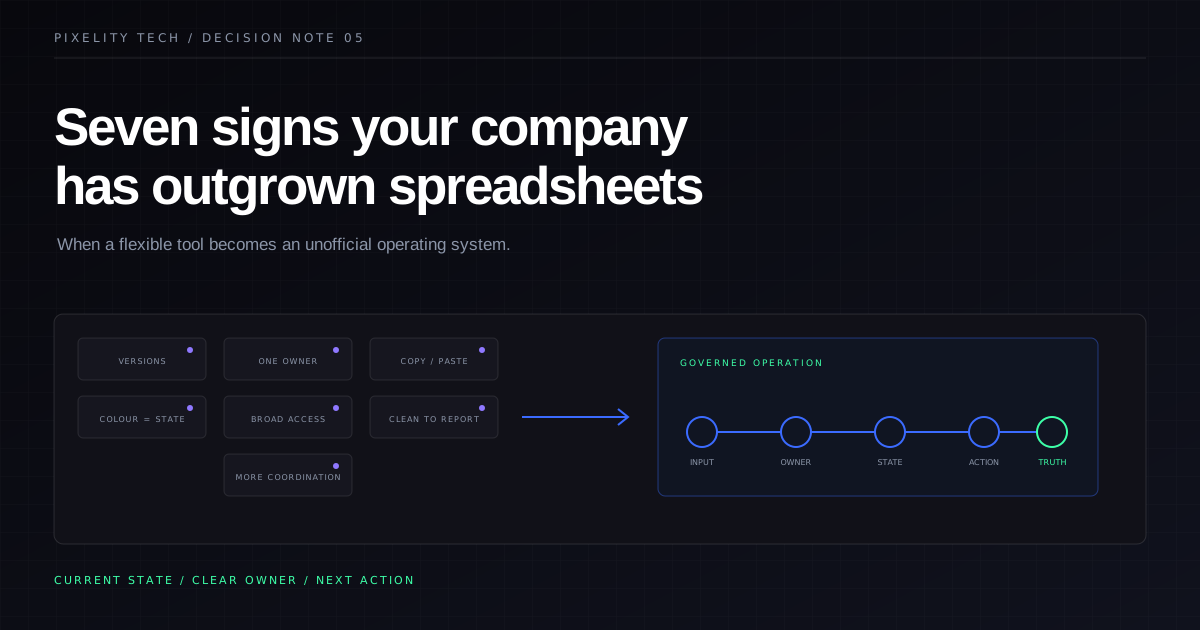
Seven Signs Your Company Has Outgrown Spreadsheets
Spreadsheets are excellent tools until they become an unofficial operating system. These seven signs show when a process needs a governed business system instead.
Read field note