Customer contact
Raises requests, supplies documents, answers questions, and approves what needs approving, inside their own account.
A portal is not a second system with its own version of the truth. It is a permissioned view onto the record your team already works in, and what customers submit arrives as work rather than a message to transcribe.
Start with the interactions that generate the most inbound questions. The rest of the self-service list can wait for evidence that it is wanted.
A customer or supplier portal extends your internal workflow to outside parties by permission rather than by copy. Roles decide which fields, documents, and actions each external user can reach; everything they do lands on the same record your team relies on, moving through the same states. Messages, files, and approvals stop being a parallel history that has to be matched to the work afterwards.
Customers call or email for status because nothing they can log into shows what your team can see on the job.
Contracts, proofs, and specifications land in inboxes and get attached to the right record by hand—or turn out later never to have been attached at all.
A customer approves, a supplier certifies, a partner supplies input at a defined step. Each has to change the record without seeing the rest of it.
A customer submits with the fields the work actually needs, uploads supporting files, and reads status from the same job record the team is updating—not from a summary written separately for them.
Artizen is a live student-to-SME creative matching platform developed as an NYU Abu Dhabi senior project: onboarding, brief intake, curated matching, and secure review, with each side seeing its own slice of the same engagement.
A vendor completes required forms, uploads certifications, and tracks approval, while procurement sees an onboarding record that is either complete or explicitly waiting on a named item.
Captured from Pixelity's fictional product demonstrations. Organizations, people, and records shown are synthetic.
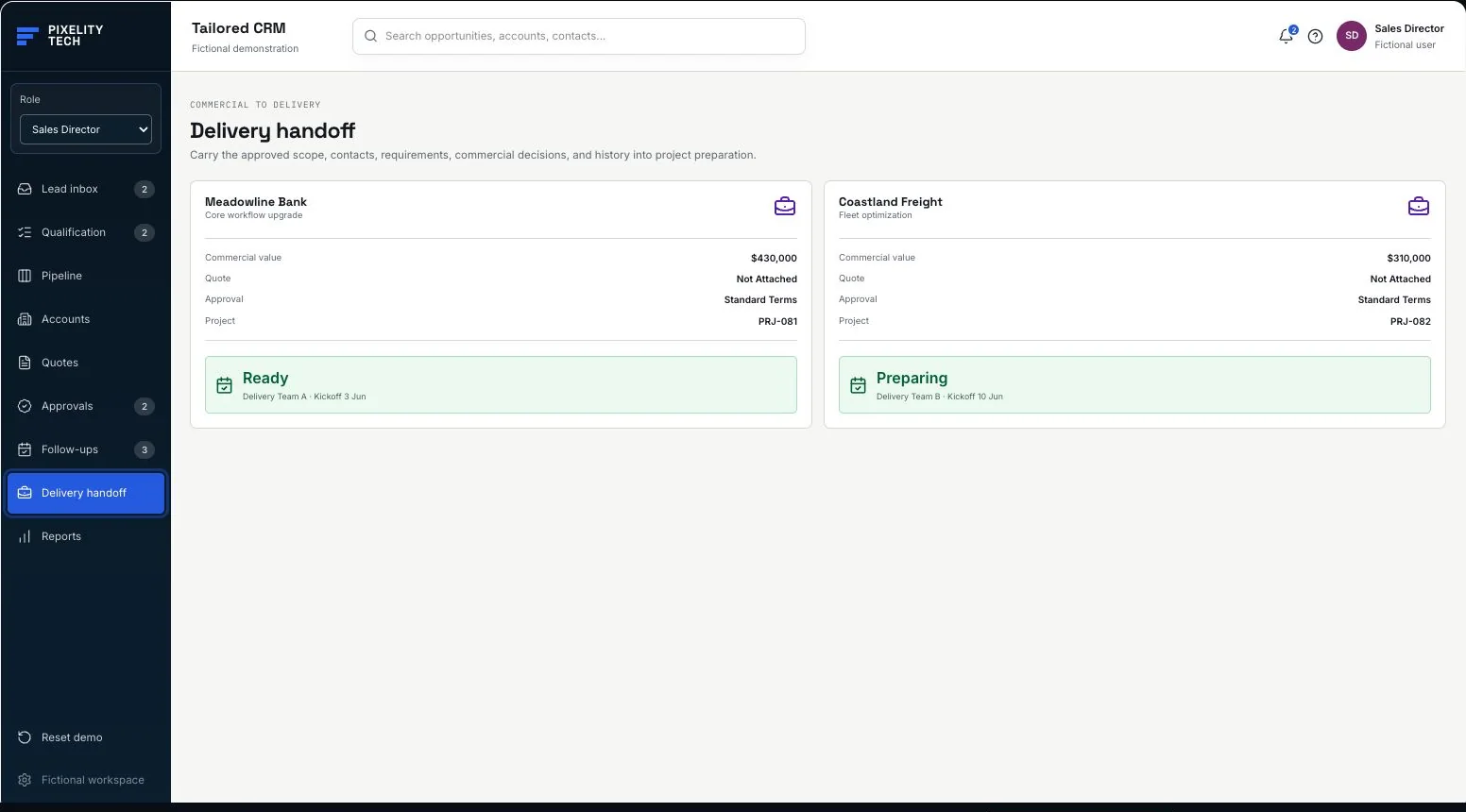
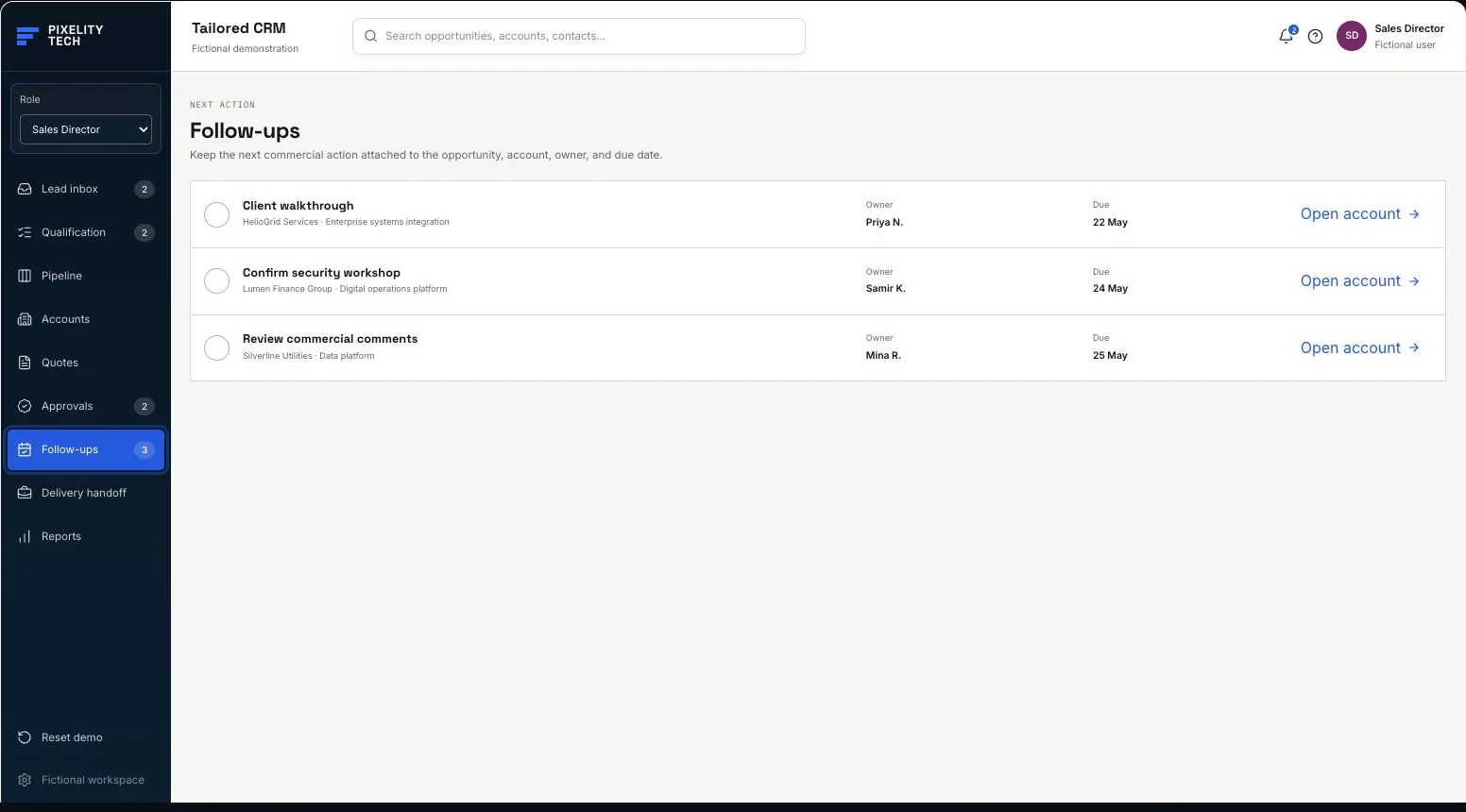
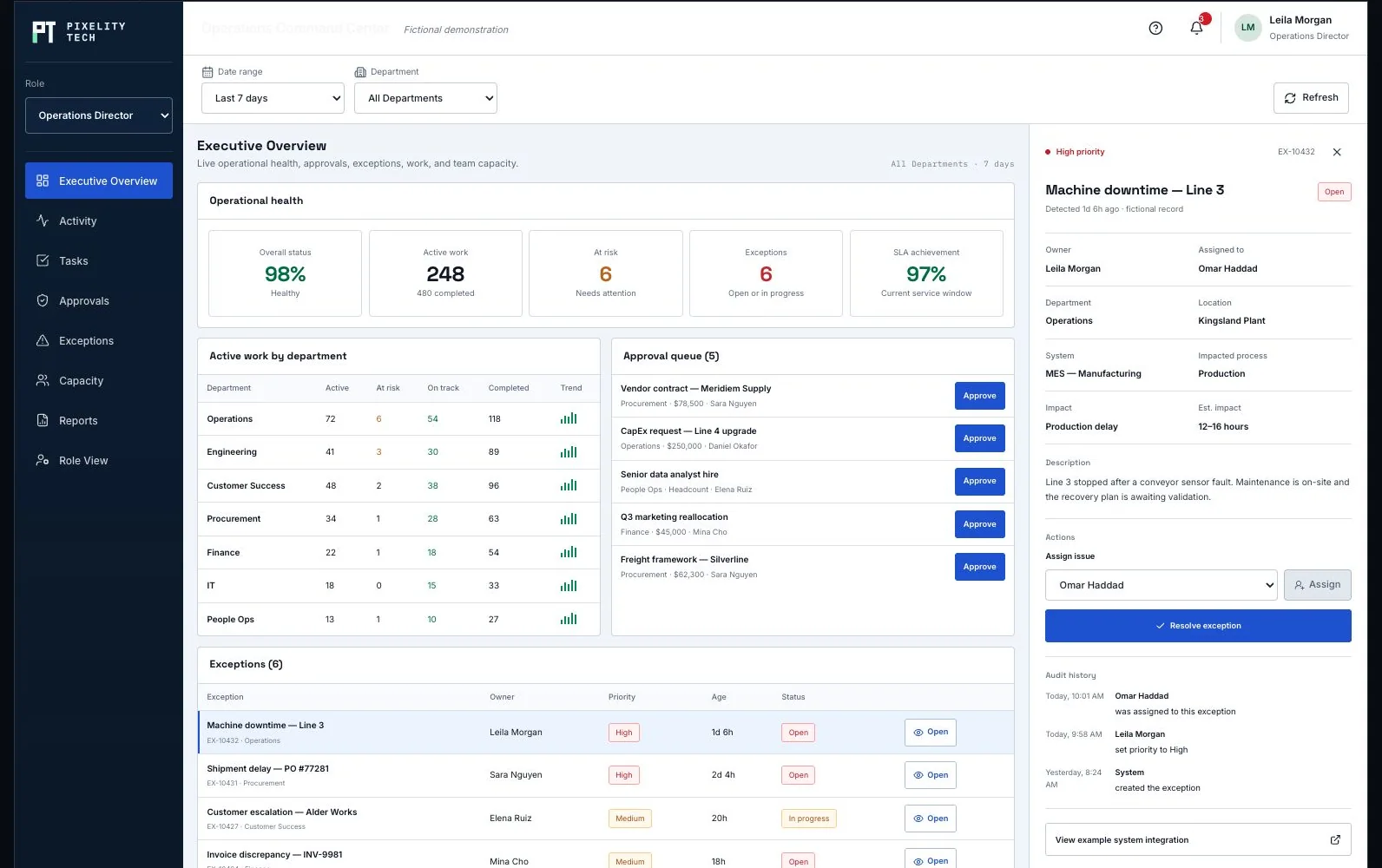
Each external user reaches their own organization, projects, and permitted actions—enforced on the record rather than hidden in the interface.
Required fields and accepted file types, so a submission arrives ready to work instead of starting a round of clarifying email.
Progress, responsibility, and conversation attached to the job itself, so both sides are reading one history.
External sign-off captured with the version, the timestamp, and the person who accepted it—evidence rather than a message that says approved.
Raises requests, supplies documents, answers questions, and approves what needs approving, inside their own account.
Watches account activity, steps in on exceptions, and keeps what the customer sees consistent with what the team knows.
Works portal submissions as ordinary operational work, because that is what arrives—not a message to re-key.
CRM or ERP for the account, contract, and order context the portal is allowed to show.
Internal workflow or ticketing system, so a portal submission becomes assigned work in one step.
E-signature or document storage wherever an approval has to be formal.
Notification service for email or SMS on the status changes that would otherwise prompt a call.
Authentication matched to sensitivity—invited users, MFA, or SSO where the customer requires it.
Tenant isolation enforced on the server, so one account cannot reach another or read an internal-only field.
Virus scanning and file type limits on everything uploaded from outside.
Audit trail on external actions, downloads, and approvals—the half of the history most likely to be disputed later.
A fictional commercial workflow whose handoff and shared follow-ups show internal and external readers working from one record.
Open the demonstrationDocument users, records, decisions, exceptions, integrations, and the smallest release that creates measurable operational value.
Prototype the real screens, permissions, and rules so stakeholders react to a visible system before engineering scope hardens.
Deliver one dependable workflow at a time with testable data, ownership, and reporting—not a long hidden build cycle.
Train users on the live workflow, monitor exceptions and adoption, and extend the platform only when the foundation is stable.
Describe it in a sentence or two. We will come back with what we would build first, what it would take, and whether you actually need us for it.