Dispatcher
Assigns and resequences against real capacity, and sees which commitments are at risk while there is still a morning left to fix them.
Field work goes wrong between systems: the schedule in one place, the proof in a photo on a phone, the exception in a message thread. The answer is one record all four roles write to.
Prove it on one team or one region first. A dispatch board nobody trusts does not improve by covering more of the network.
Field service software gives the planner a live view of jobs, people, skills, and capacity; gives the technician the instructions, parts, and forms on site, including where the signal drops; and returns completion, photos, signatures, and exceptions to the same job record. Nothing is re-keyed at the boundary, because there is no boundary—the office and the field read one record through two views.
Work is assigned on a call or in a spreadsheet without skills, location, priority, or the commitment made to the customer in view. The plan drifts, and only the dispatcher knows by how much.
Checks, notes, photos, and the customer’s signature are captured in chat or on paper and reach the office separately—by which point the one photo that would settle a dispute is the one nobody took.
Time, materials, travel, and approved variations are pieced together from three sources at month end, so invoices go out late, short, or with a line the customer can argue about.
An urgent job takes priority by rule and goes to whoever has the skill, the parts, and the travel time to make it—while every job it displaces gets a new window and a customer who was told about it, rather than a silent slip.
Pixelity built Wazzan Holding a short-term-rental cleaning operations platform where scheduling respects conflicts, travel, and leave, and completion is evidenced by photo before the job moves into VAT invoicing.
A locked site or a fault outside scope is recorded against the job with evidence, which opens the follow-up visit, holds the billing line, and puts the case in front of a named coordinator instead of one person’s memory.
Captured from Pixelity's fictional product demonstrations. Organizations, people, and records shown are synthetic.
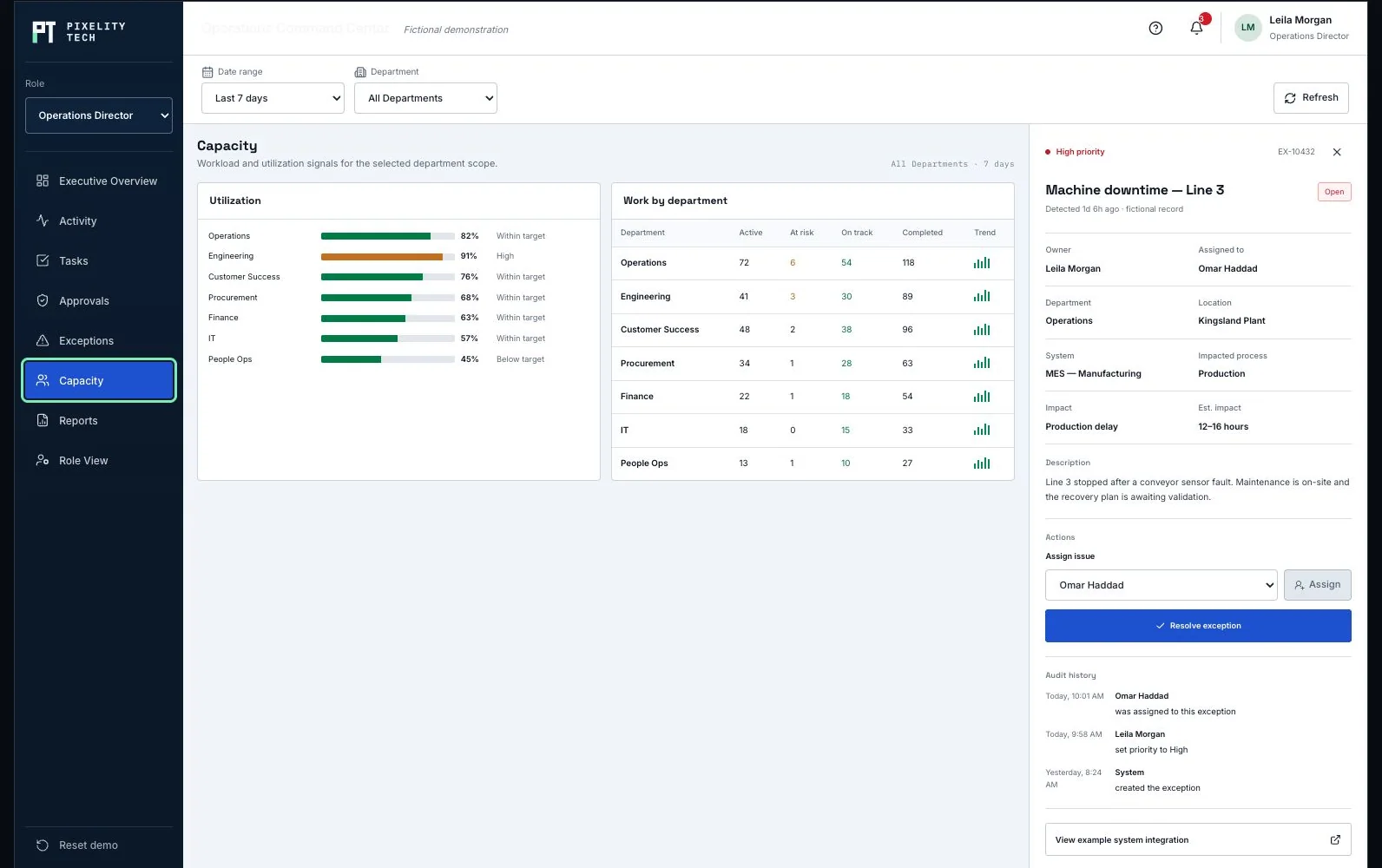
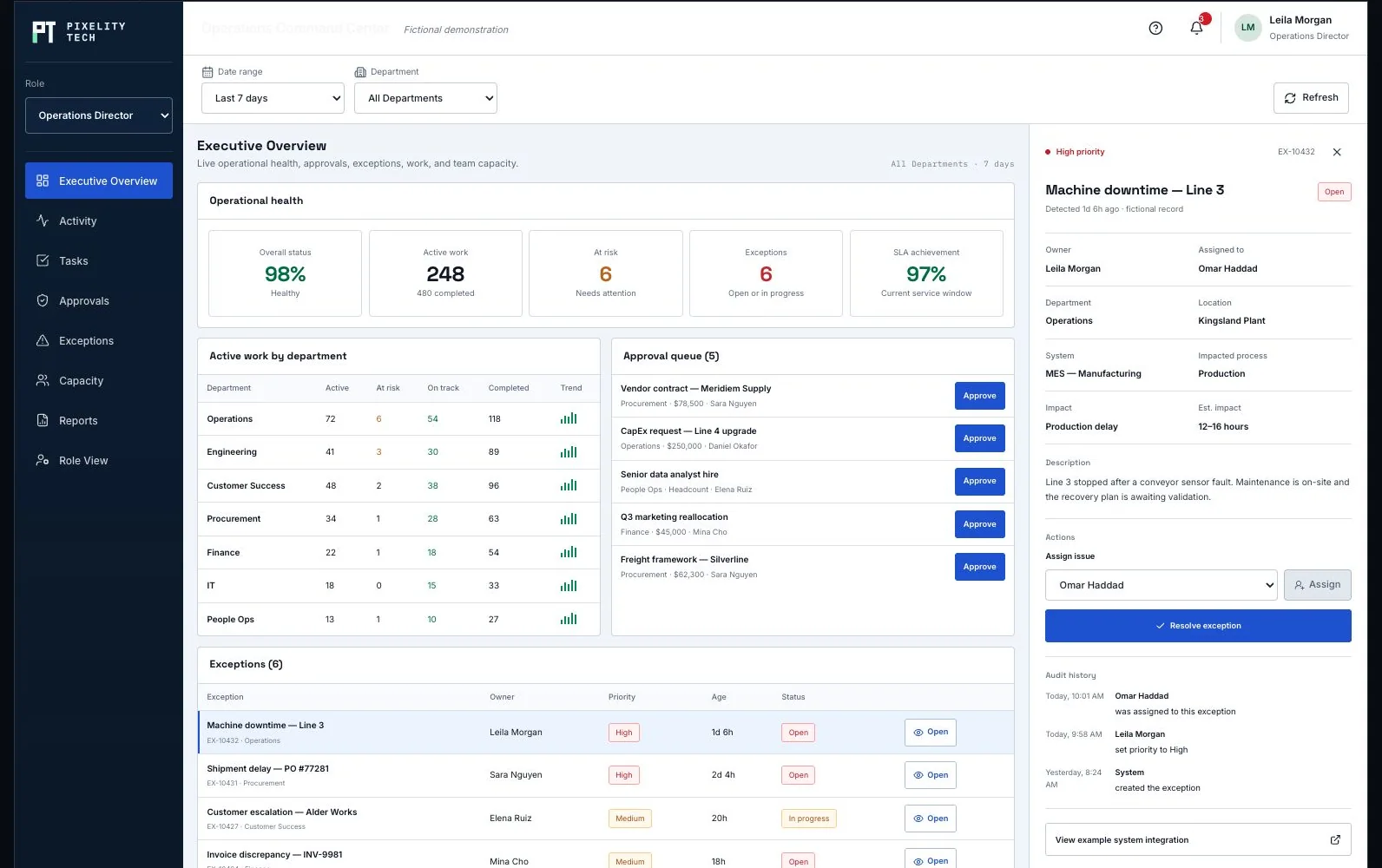
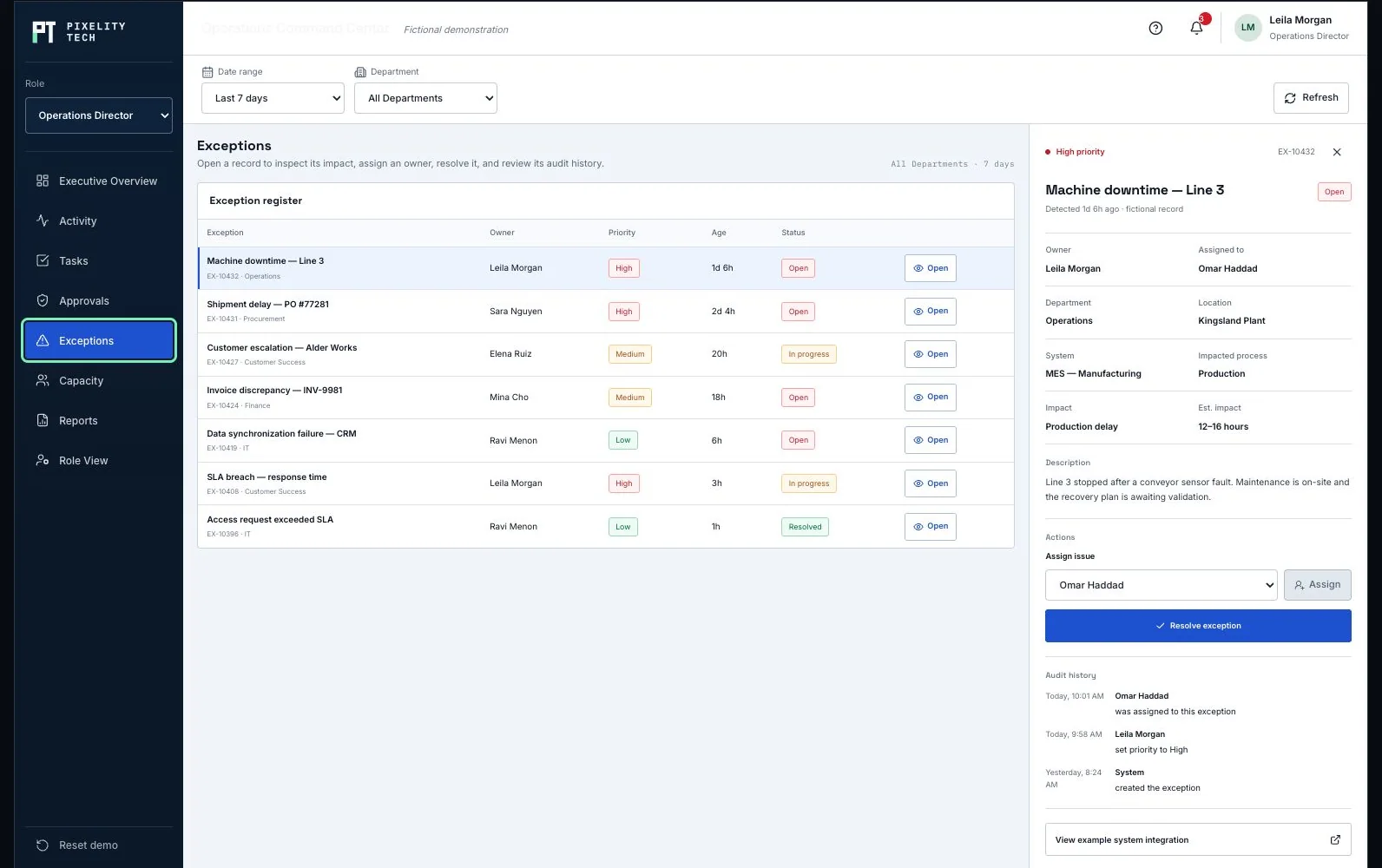
Skills, territories, travel, leave, and the window promised to the customer decide who gets the job—and a reschedule updates everyone it affects.
Checklists, photos, notes, and parts used captured on site and queued when connectivity drops, so the record is complete whether or not the basement had coverage.
Photos, readings, signatures, and timestamps stored against the job they belong to—which is what answers a question about it months later.
Signed work, time, materials, and approved variations become the billing line directly, so what was done and what was charged cannot drift apart.
Assigns and resequences against real capacity, and sees which commitments are at risk while there is still a morning left to fix them.
Works from the job on a phone, records evidence as part of finishing rather than as paperwork afterwards, and flags what falls outside scope.
Reads backlog, utilization, repeat visits, and which exceptions keep recurring—usually the signal that the standard job is scoped wrong.
CRM or contract system for the customer, asset, and entitlement context that decides what a visit is allowed to cover.
Inventory or warehouse for parts reservation and van stock, so a job is not dispatched without what it needs.
Billing or ERP, so a completed job and its invoice are one event rather than two entries.
Mapping and routing where travel time is a real limit on what the day can hold.
Mobile sign-in and session handling suited to shared devices and personal phones alike.
Customer detail minimized on the device, encrypted in transit and at rest.
Photos and signatures written to the job record with tamper-evident linkage, since that is the evidence a dispute turns on.
Role permissions separating what the field sees from contract, pricing, and financial detail.
A fictional operating product holding the same parts: capacity against commitments, the exceptions blocking work, and the reporting above them.
Open the demonstrationDocument users, records, decisions, exceptions, integrations, and the smallest release that creates measurable operational value.
Prototype the real screens, permissions, and rules so stakeholders react to a visible system before engineering scope hardens.
Deliver one dependable workflow at a time with testable data, ownership, and reporting—not a long hidden build cycle.
Train users on the live workflow, monitor exceptions and adoption, and extend the platform only when the foundation is stable.
Describe it in a sentence or two. We will come back with what we would build first, what it would take, and whether you actually need us for it.